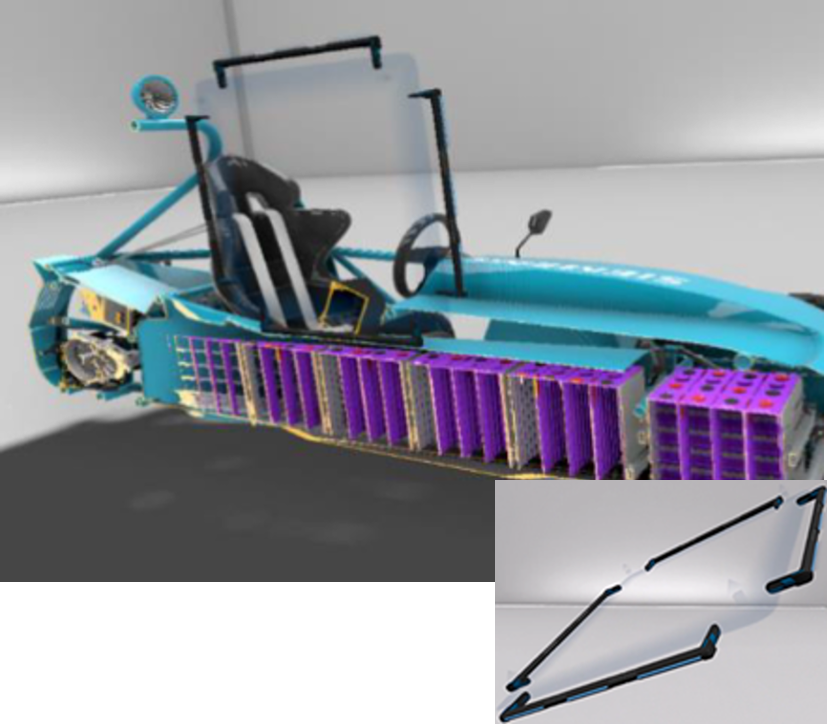
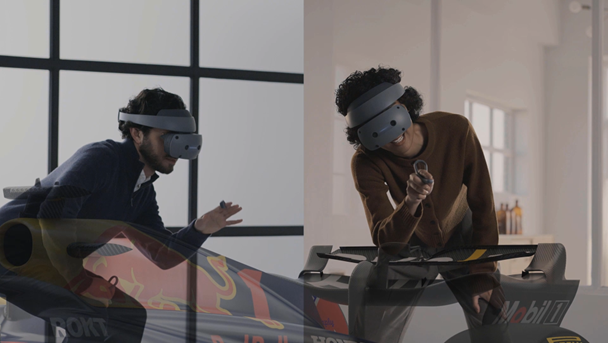
Elevate your CAD experience with NX CAD’s cutting-edge immersive engineering technologies. Visualize, simulate, and interact with designs in a virtual environment to enhance collaboration, improve decision-making, and deliver better outcomes for your team and customers.
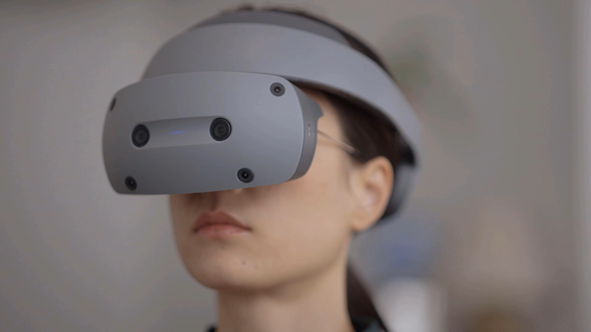
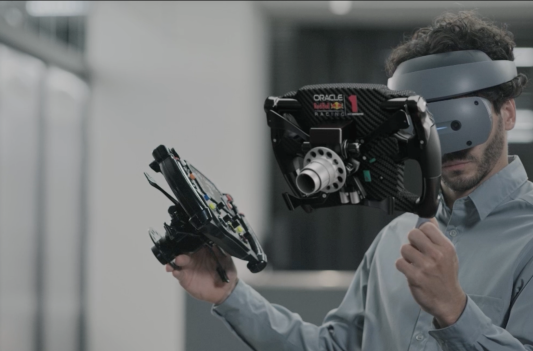
Immersive Engineering enables you to visualize, simulate, and interact with designs in a virtual environment—enhancing both understanding and collaboration. It incorporates extended reality (XR) technologies, including augmented reality (AR), virtual reality (VR), and mixed reality (MR), into modern engineering workflows. Key applications include virtual prototyping, immersive training, AR-guided maintenance and repair, and CAD design using VR headsets and controllers.
Benefits of Immersive
Increase
productivity
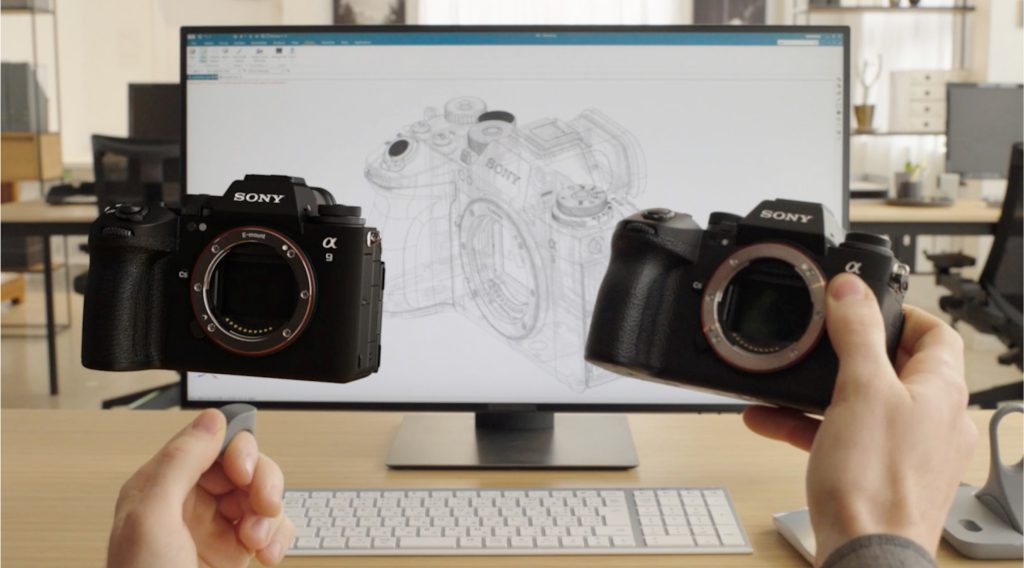
Digital twin reality
Reduce
prototypes
No data prep, go immersive
Enhance
collaboration
Design in immersive
Key features of Immersive Engineering
Real-time Immersive Engineering
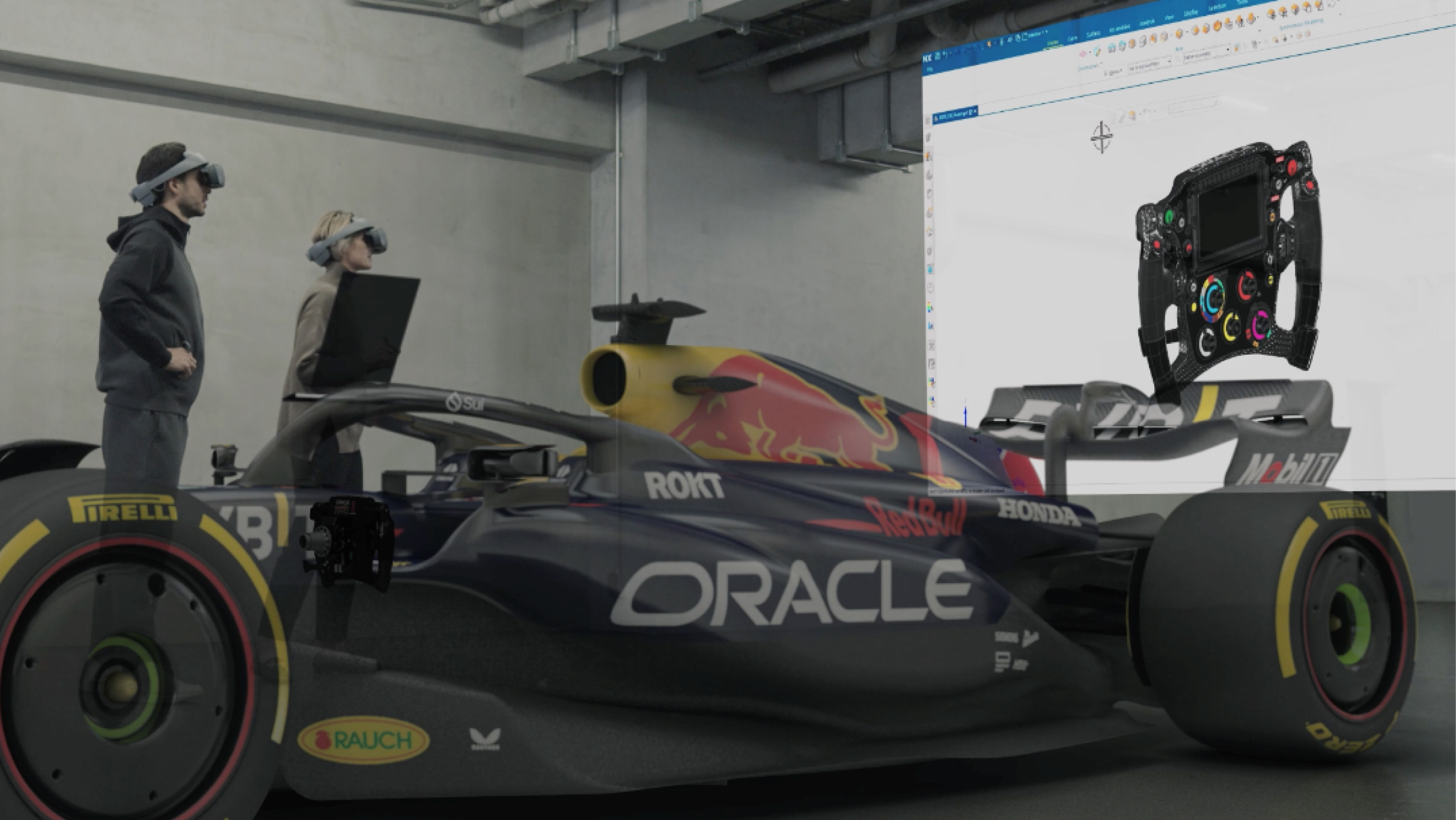
Immersive Explorer
Validation, virtual commissioning and sign-off
Seamless connection from NX
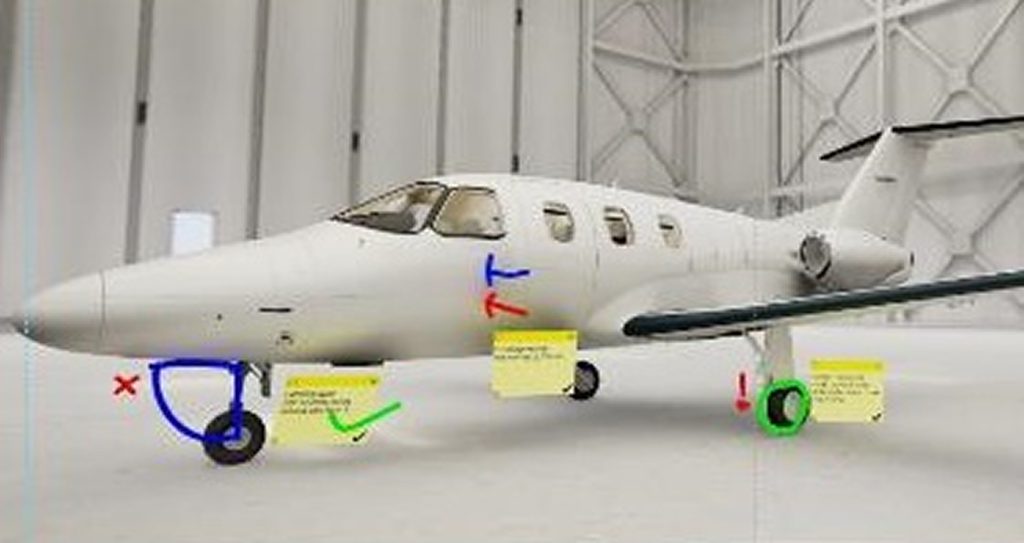
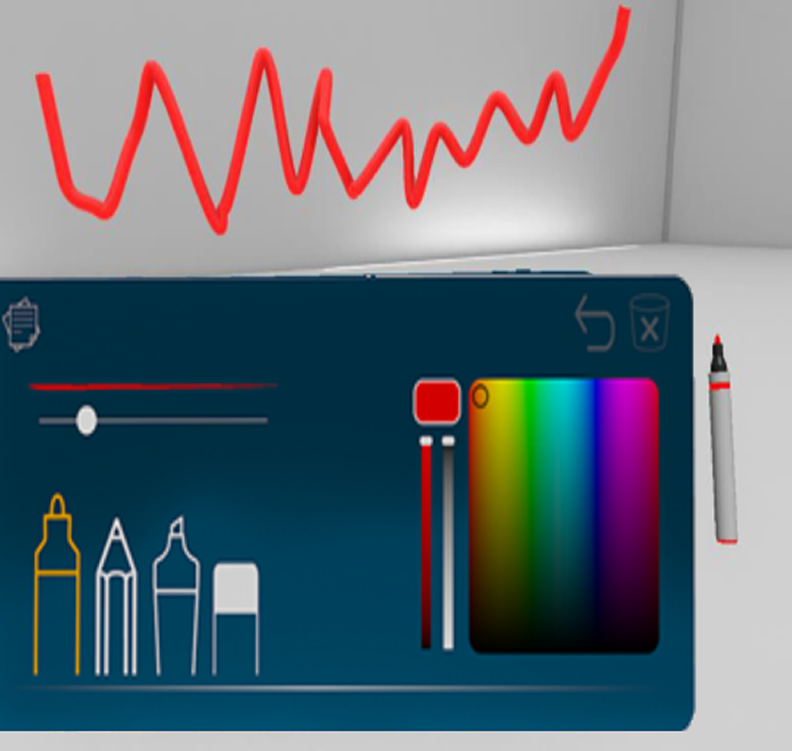
Markup, sections, snapshots
Live updates from NX to VR for discussion with team or leader
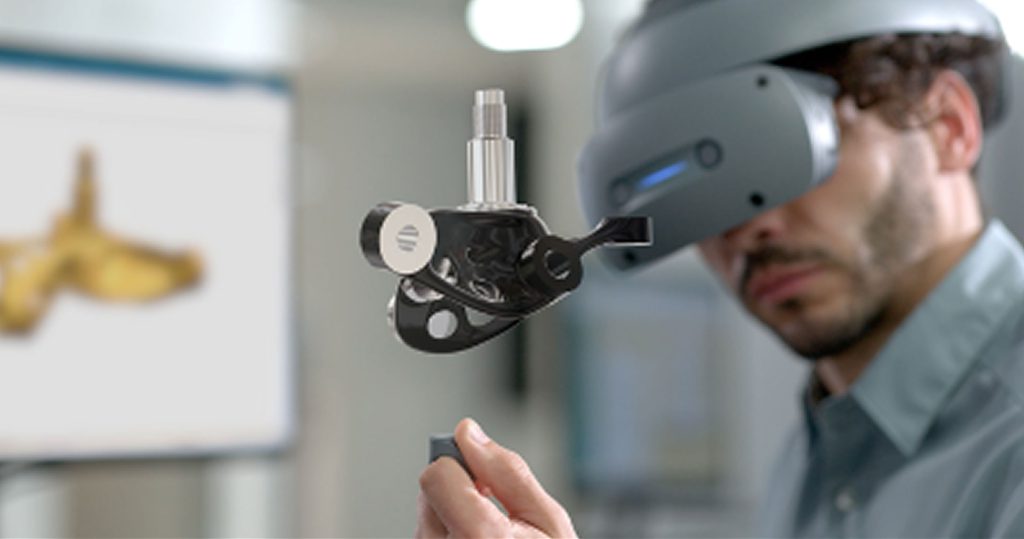
Immersive Designer
Design 3D in 3D
Next Gen Virtual Design
Precision editing in VR
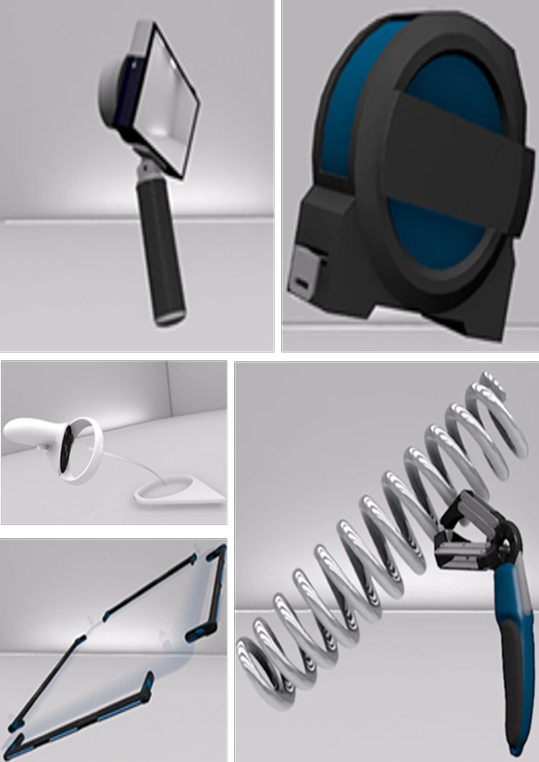
Controllers built for NX
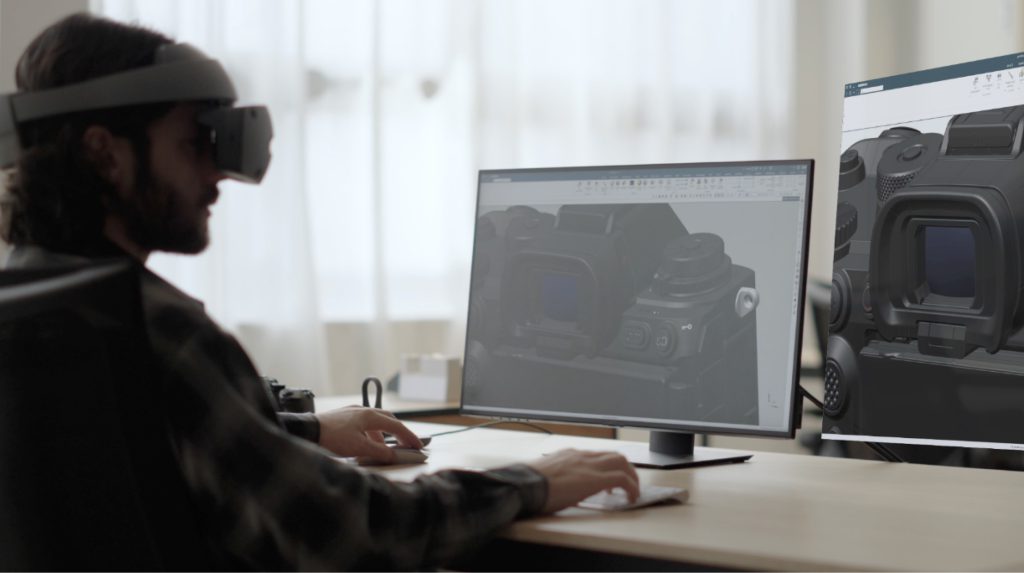
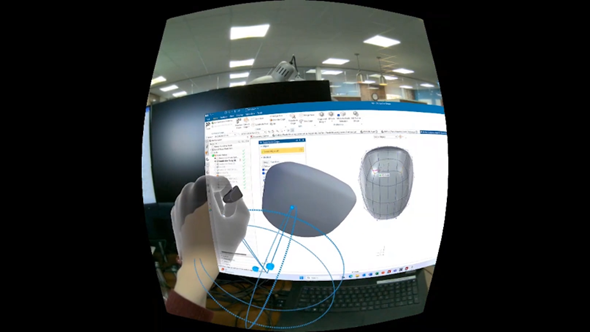
Pass through/Virtual monitor for design engineer
Immersive Collaborator
Iterate faster, more designs and more stakeholders
Create/Join meetings with team or leader Services built into NX X
Collaborate between 2D & VR
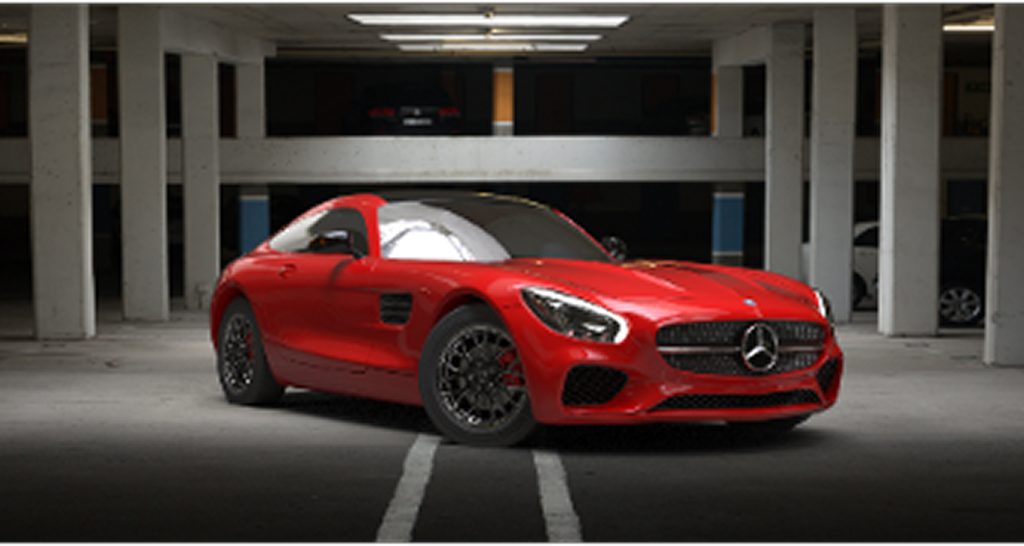
Immersive Visualization
3D Rendering Extended Reality (XR)
Business design, sales and marketing communication
XR Export: GLTF, GLB, USDZ
NX Immersive Explorer
Iterate faster and reduce rework with
NX Immersive Explorer
See real time design withchanges
Live updates
Connect the real and digital worlds with
Connected simulation
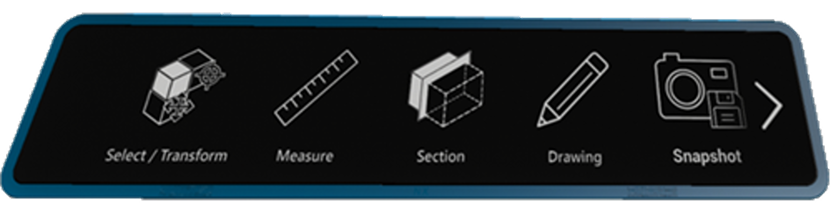
NX capabilities available within your immersive experience
No training navigation
Move components
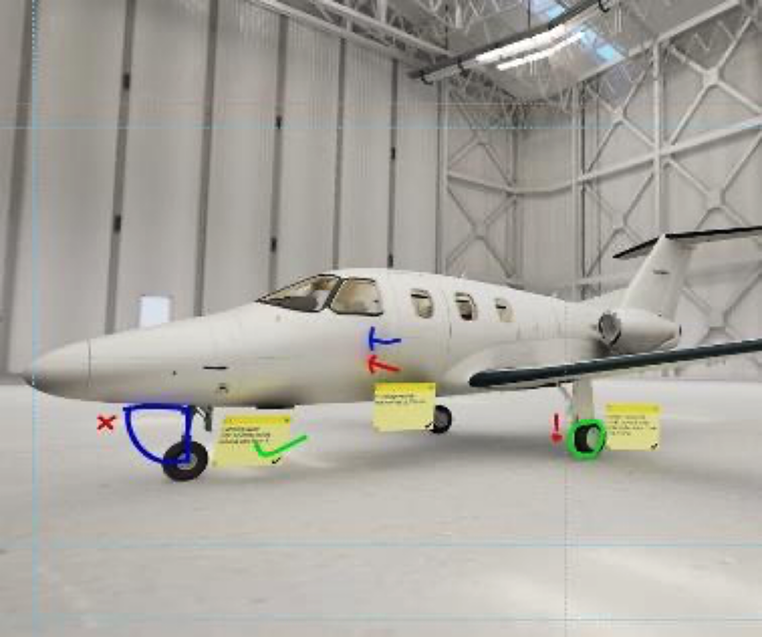
Drawing notes
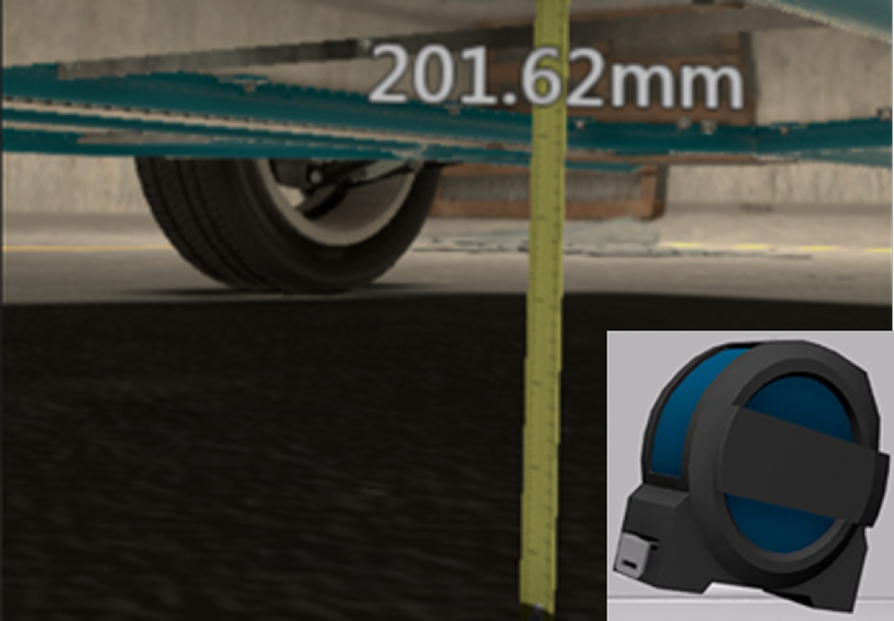
Measure
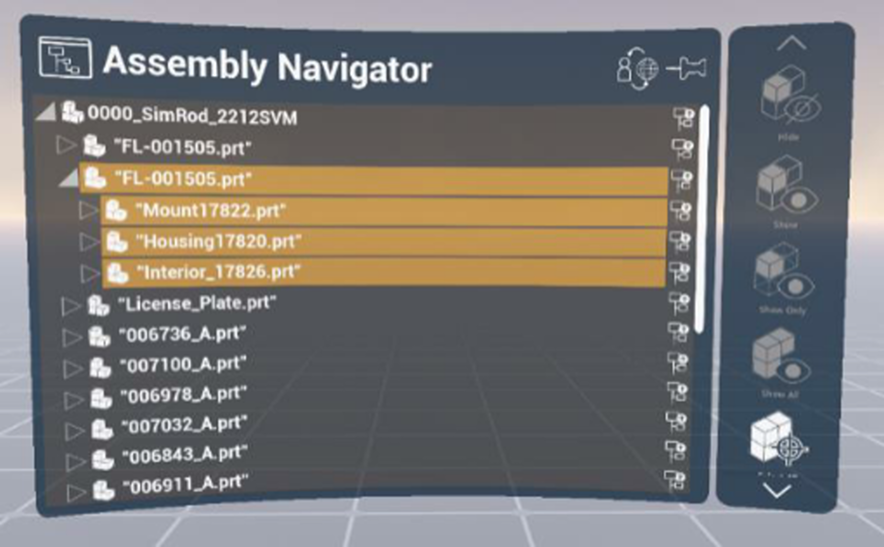
Metadata & assembly navigator
Sticky notes
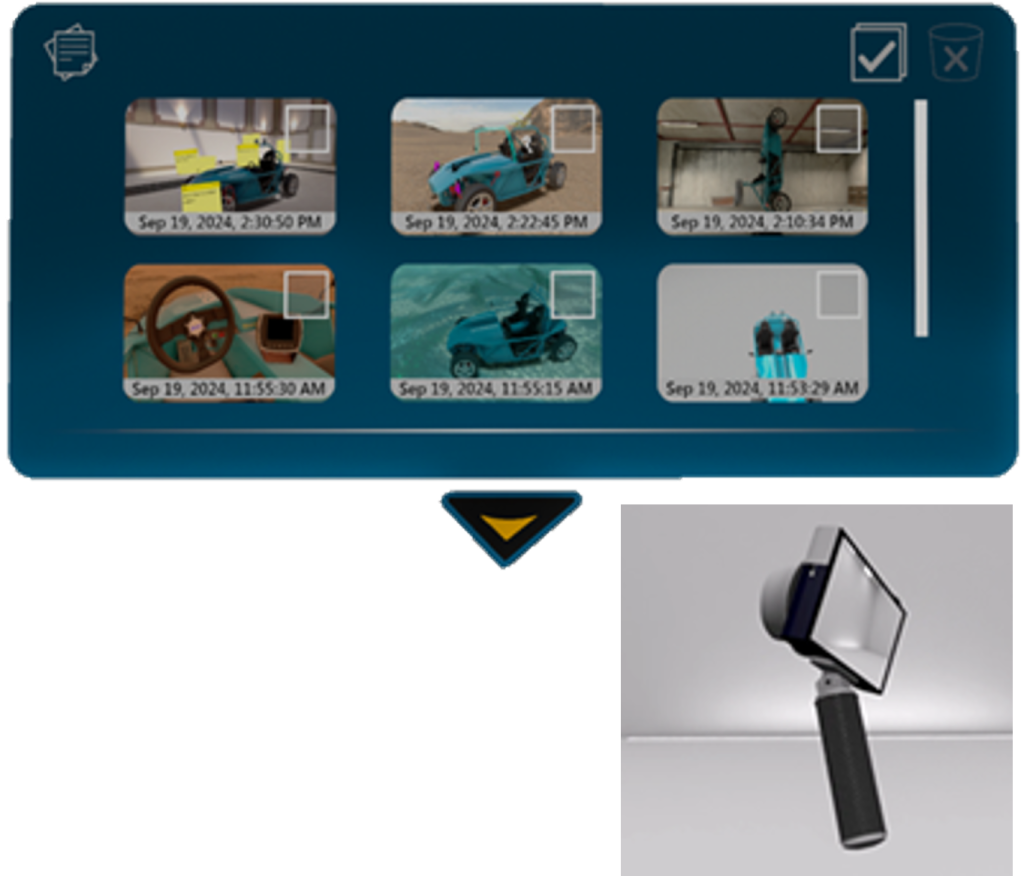
Snapshot
Section
NX Immersive Designer
Plug & play technology, remove 2nd screen dependency, see and design the possible
Connect the real and digital worlds with integrated Immersive
Extending NX into the immersive environment with virtual monitor
Augmented reality design space Naturally extends NX to next level
NX Immersive Collaborator
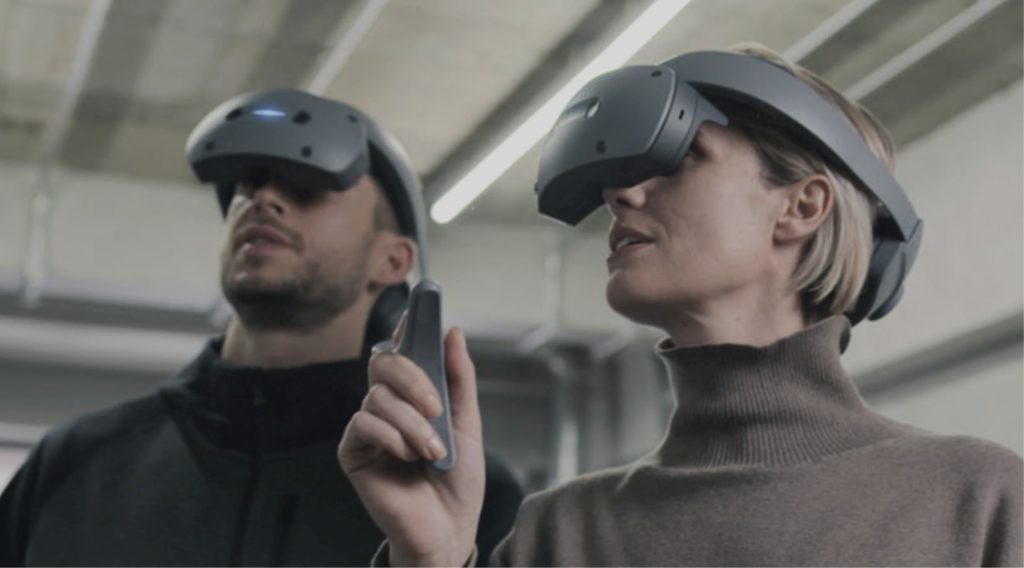
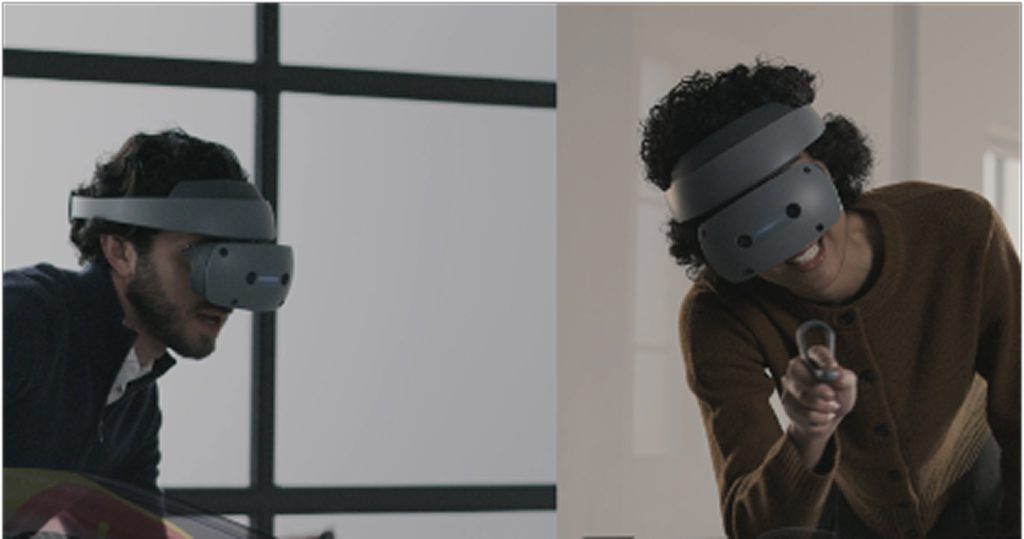
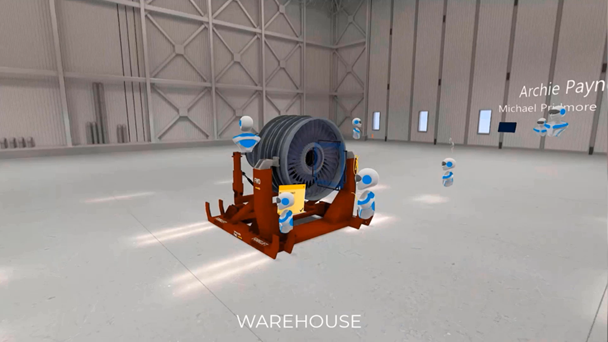
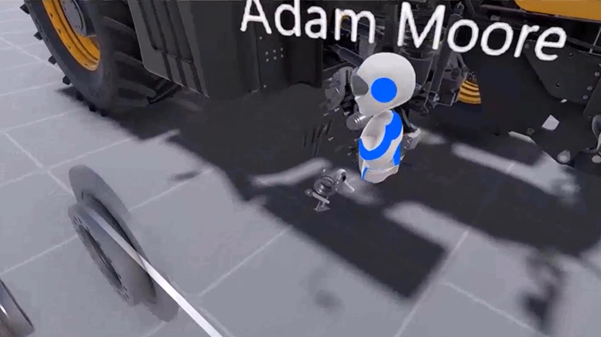
Design together across, teams sites and regions in a virtual meeting
Design together in context with Immersive collaboration in NX X
Discover new collaborative workflows shared virtualmeeting
Stakeholders can watch colleagues working to gain insights
Immersive Visualization
Visual Materials and scene management
Decals and visual materials in standard display
Consistency through to immersive and rendering
1000 visual materials and 50 scenes
UV mapping tools for accurate texturing
All new UI workflow for easy onboarding
Appearance Management
Drive visual design through to engineering and consumer visuals
Manage complex product variations and associated visual materials in Teamcenter
Connect your CAD models to VR
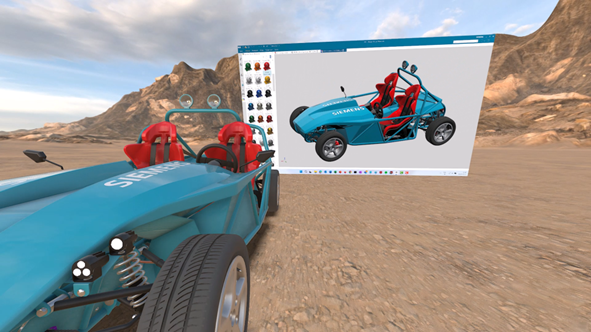
Enter VR mode with a single click to instantly visualize and interact with your 3D models in an immersive virtual environment. NX seamlessly bridges the gap between CAD and VR, streamlining the integration process by eliminating the need for data preparation or export.