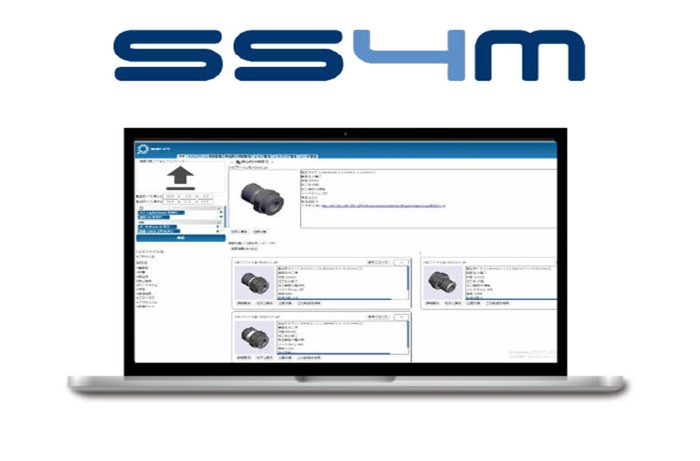
Reduce redesign,
accelerate engineering,
and maximize reuse.
Do you have any of these concerns
CAD data exists but cannot be found
No standard naming / legacy data
Time-consuming search
Do you have any of these concerns
Features :
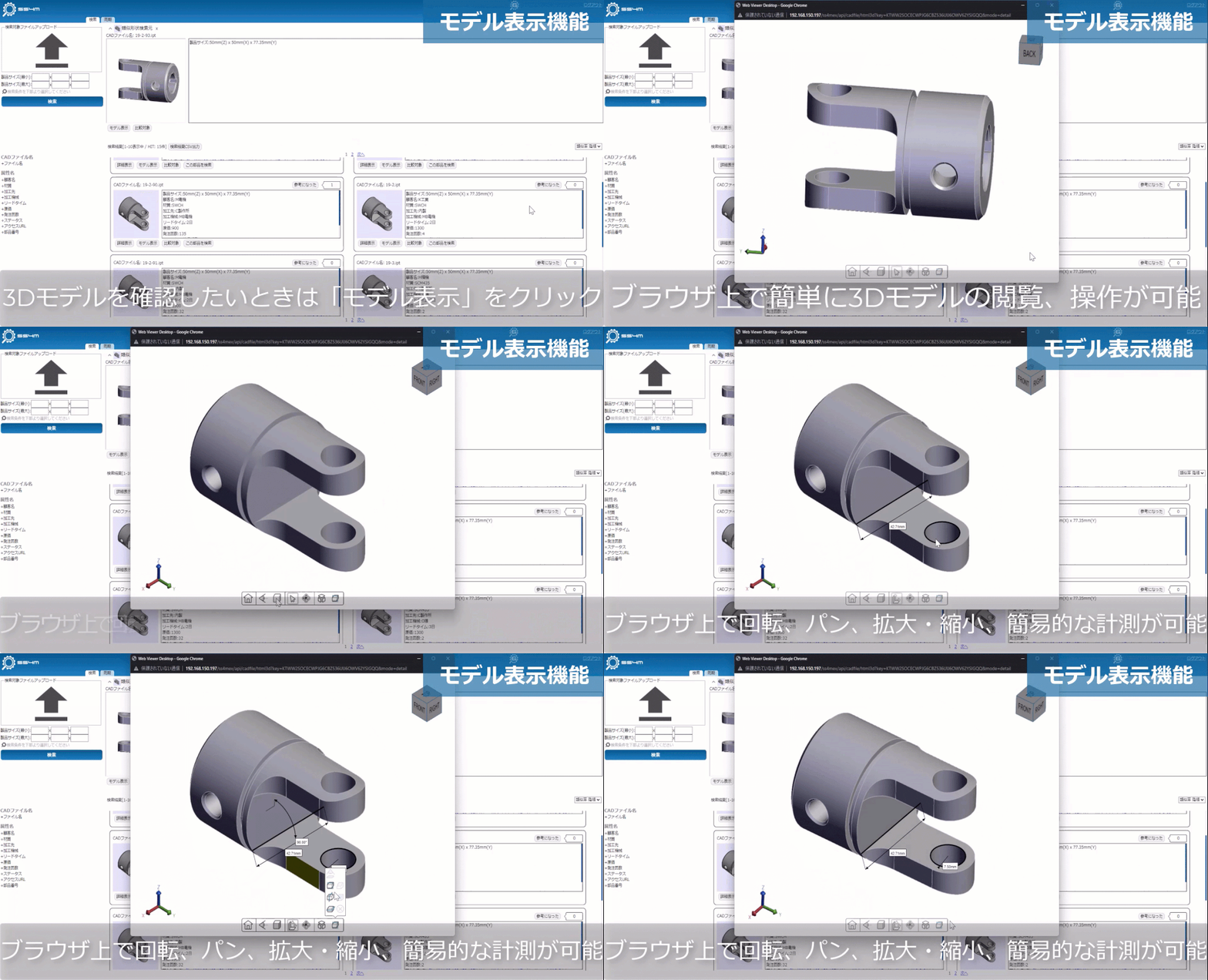
3D Viewing
3D part measurement and cross-section confirmation possible on a web browser
Eliminates the need to open CAD files
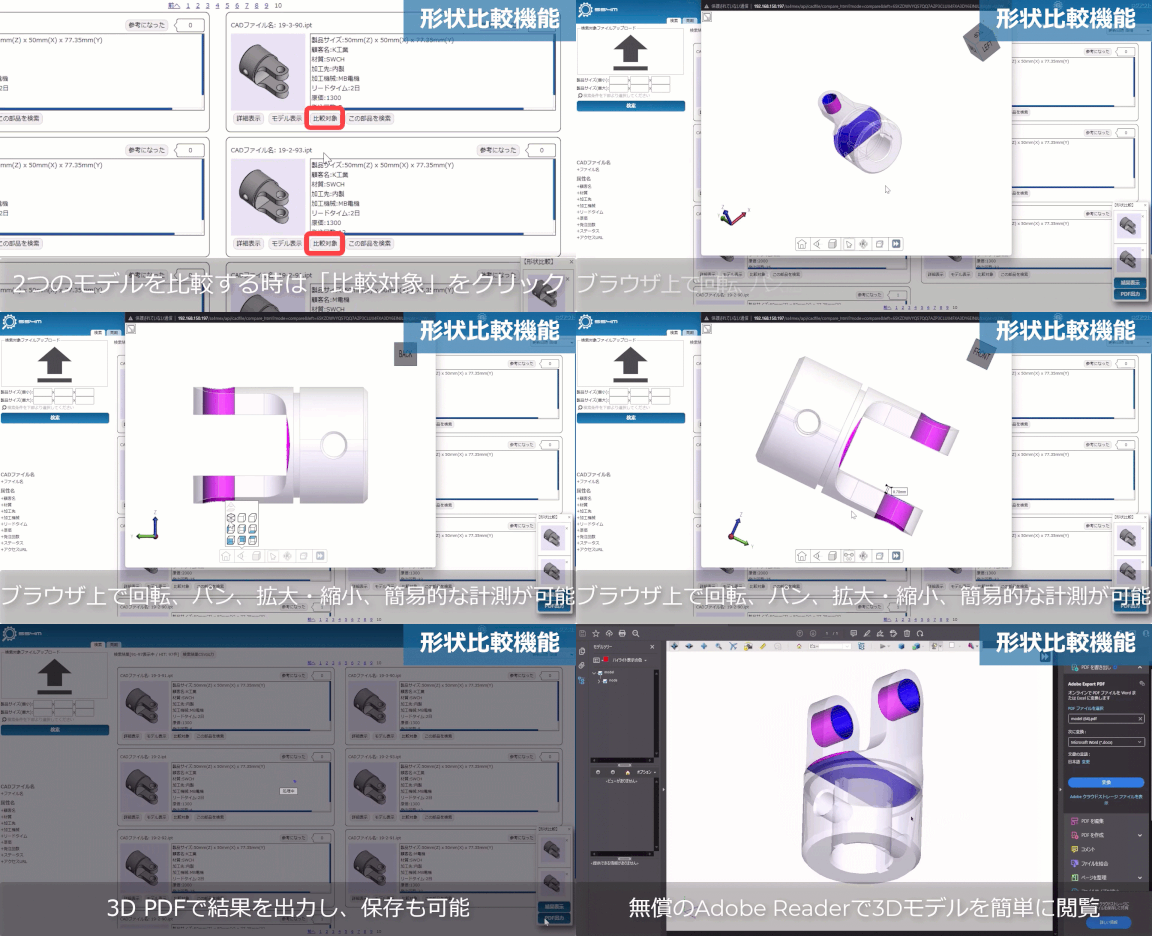
3D comparison
Overlap two parts and view the differences in a web browser / Output in 3D PDF
Measurements and cross-sections can be confirmed on a web browser
Eliminates the need to open two CAD files and compare them visually
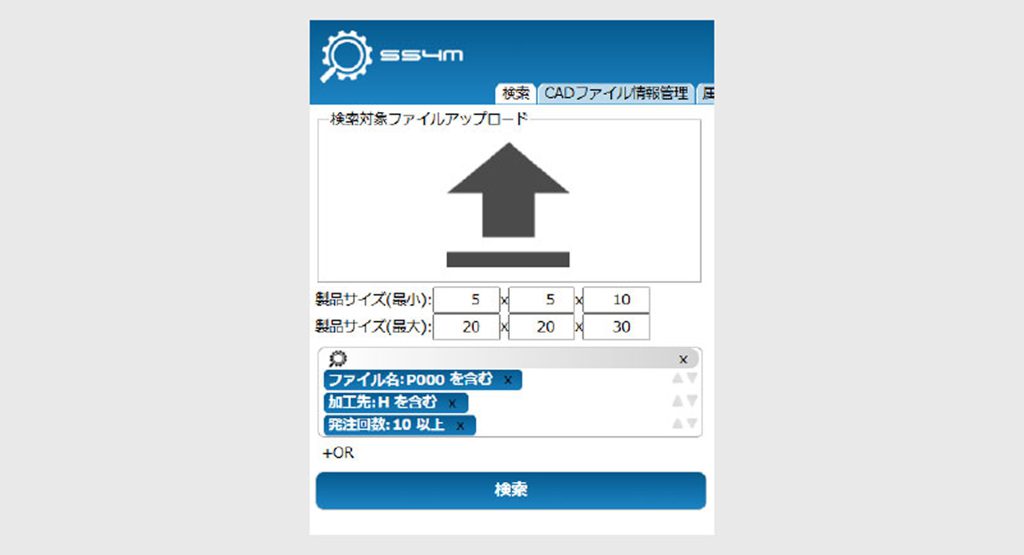
Refine search
Partial match search possible for file name and attributes only
Narrow down the results of similar shape searches using CAD data dimensions and attribute information
Searching for parts by shape and attributes allows for more precise searches
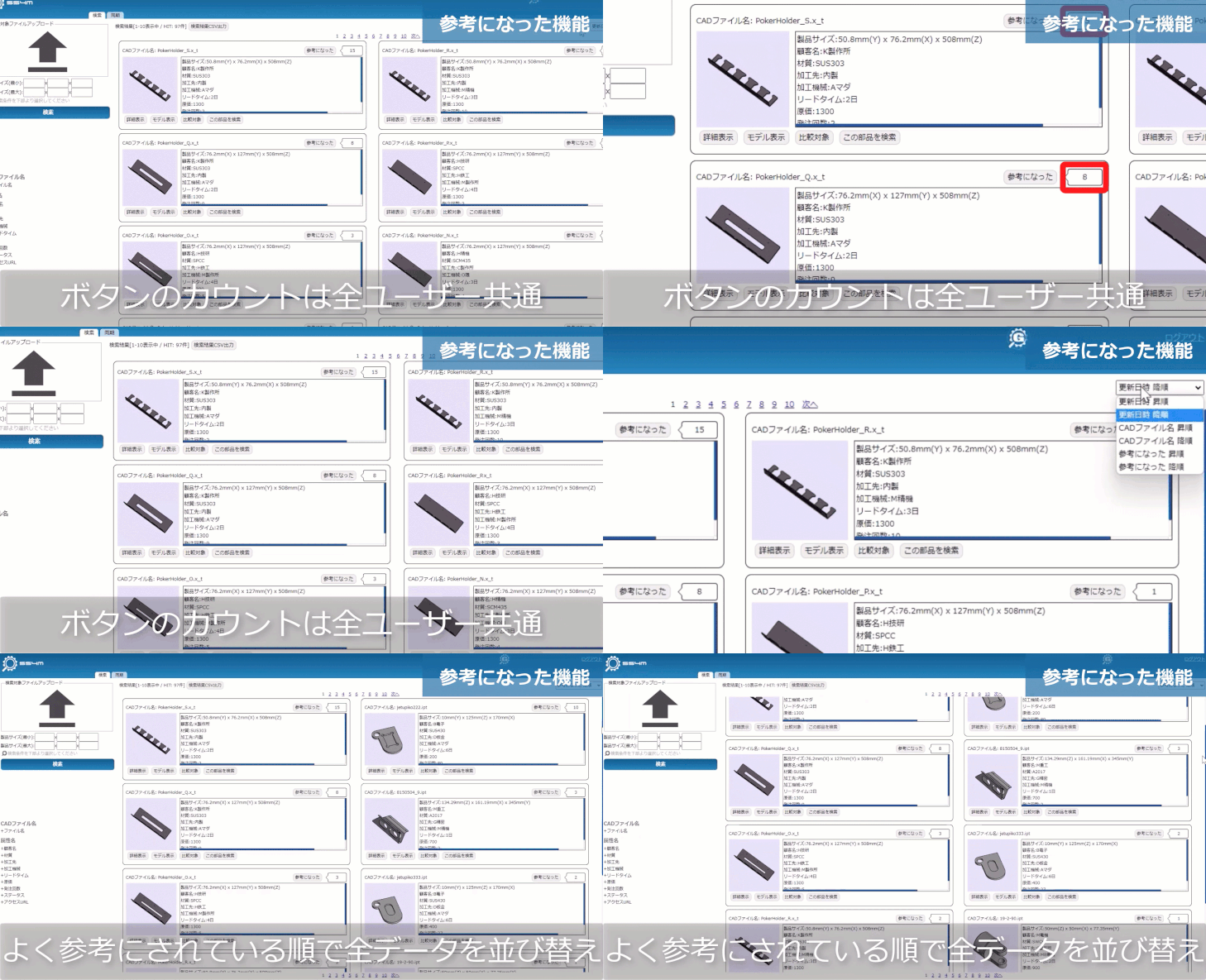
Visualization of reference count
Count the number of times each user has viewed a search result
It is possible to sort by reference count and output the reference count in CSV format.
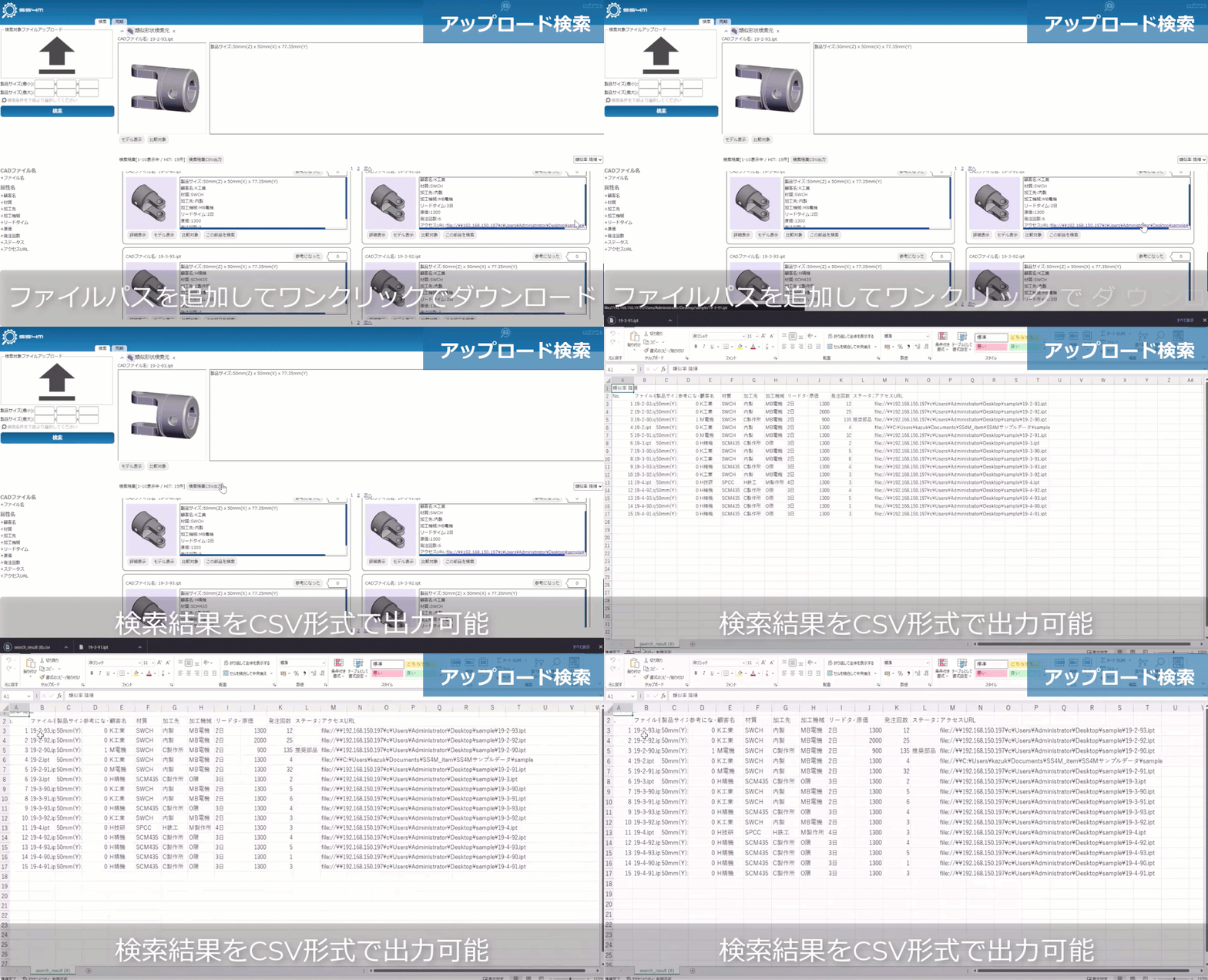
Search result output
Similar shape search results can be output in CSV format
Supports various configurations with API for linking with other systems
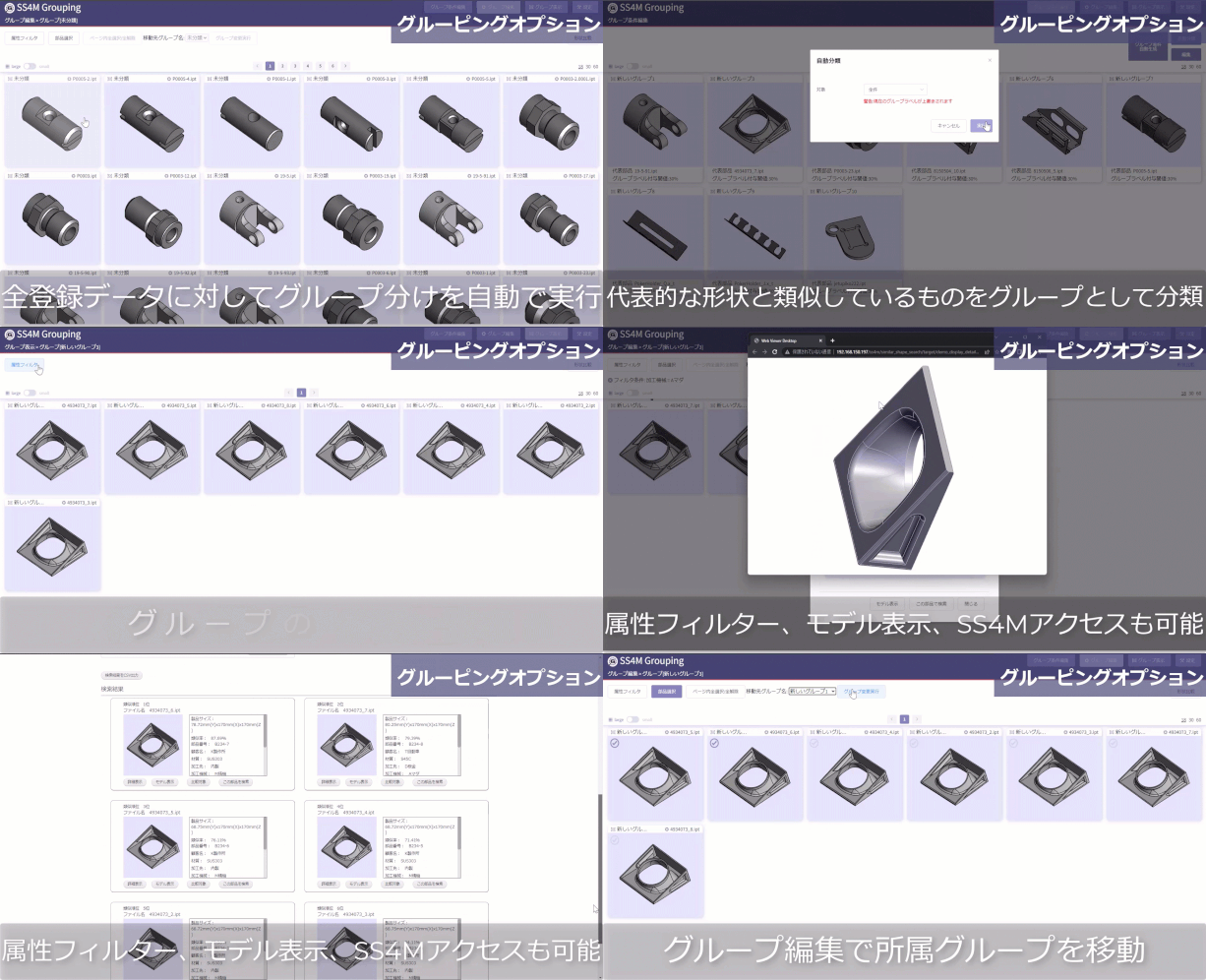
Shape categorization
Automatic classification of all parts in the database based on their shape
Automate duplicate part discovery and facilitate part consolidation
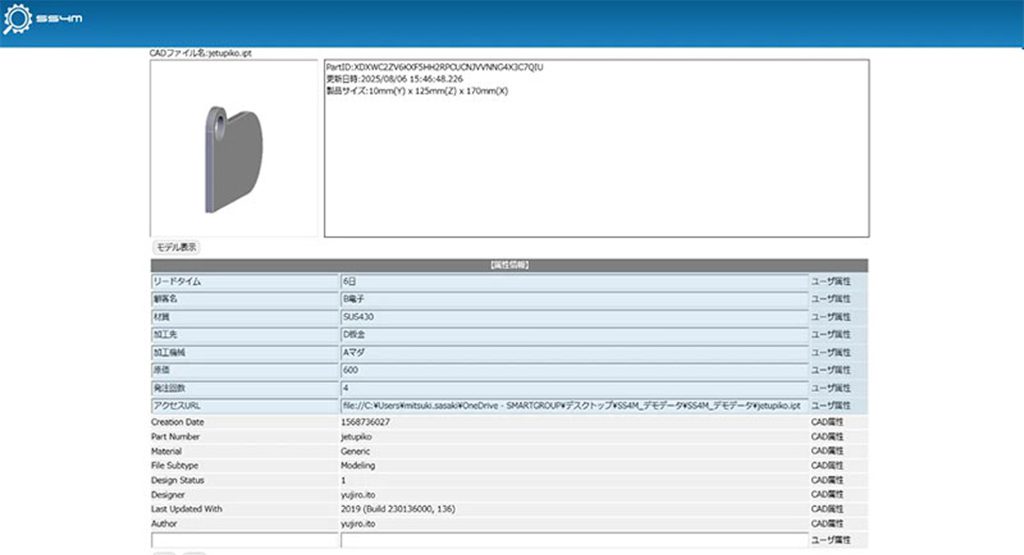
Attribute assignment
Automatic extraction of CAD file property information
Link file paths to view past information such as estimates
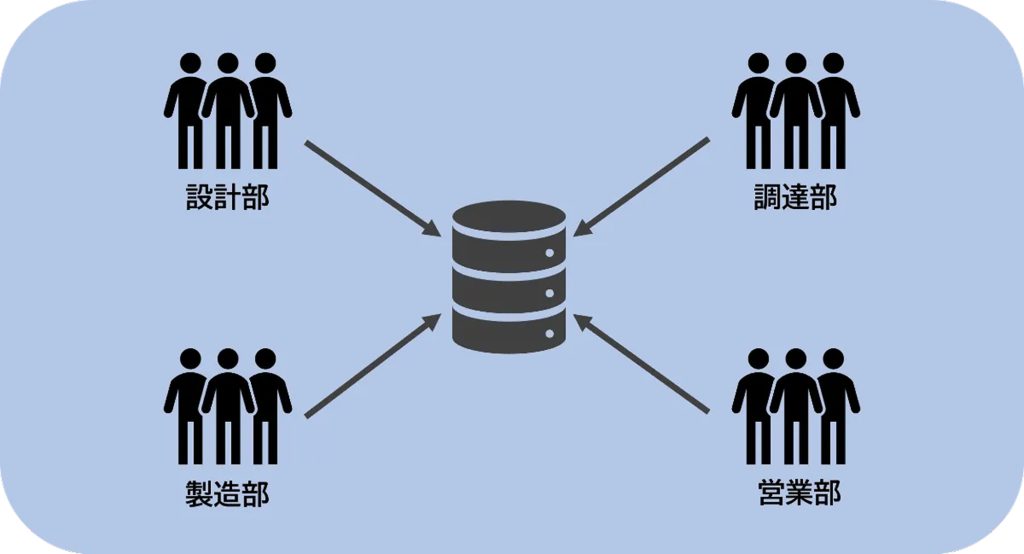
Server License
One license can be used by multiple departments and locations
Available at overseas bases
Business Benefits :
1. Optimizing management costs by reducing duplicate and similar drawings
By searching past parts data, you can compare similar drawings without opening 3D CAD files. This promotes part standardization at the design stage and significantly reduces management and maintenance costs.
2. Reduce man-hours and improve quality by promoting reuse of designs
The intuitive search interface allows anyone to easily refer to past design examples and similar drawings. This allows you to identify potential reuses from the early stages of design, shortening design time and achieving high-quality designs based on proven results.
3. Improved operational efficiency through the use of various search functions
Multifaceted search functions, including shape, attributes, and history, allow you to instantly extract past cases and trouble information, preventing rework during manufacturing and dramatically improving the speed of work from design to manufacturing.