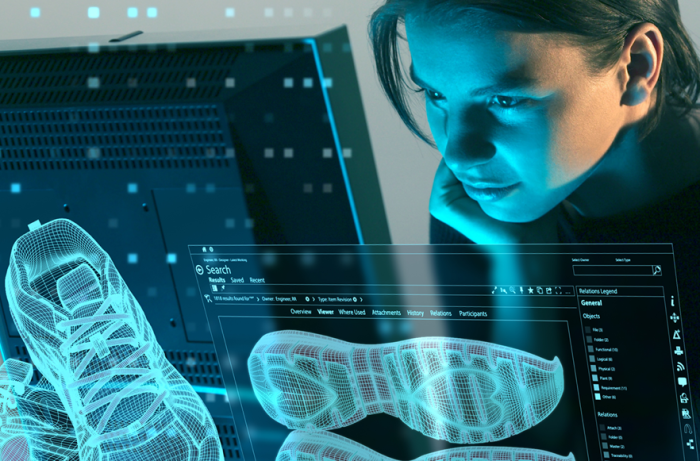
Pre-processing and post-processing are critical stages in the Computer-Aided Engineering (CAE) workflow that ensure accurate, efficient, and insightful simulations.
Time Efficiency: Automation tools and user-friendly interfaces reduce model preparation and result evaluation time.
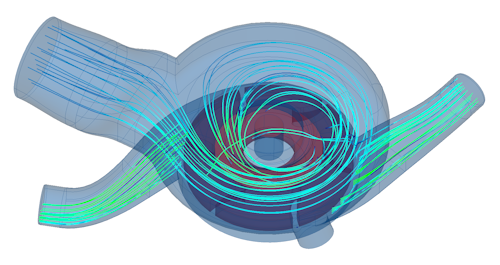
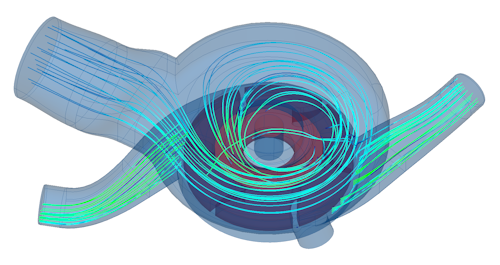
Multi-Physics Integration: Seamlessly handle structural, thermal, and fluid interactions in a single environment.
Flexibility with Multiple Solvers: Support for industry-standard solvers gives freedom to choose the best solution.
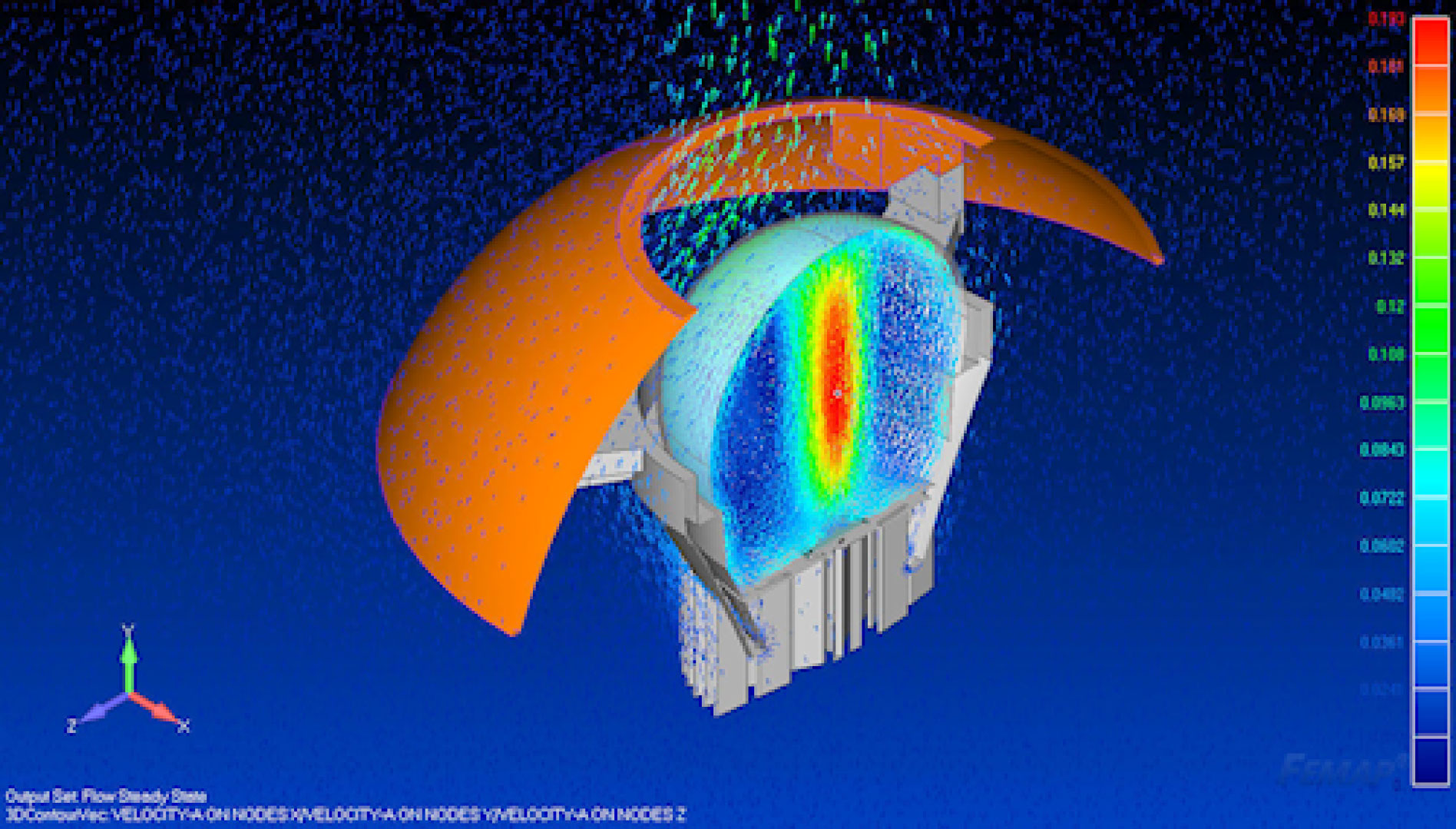
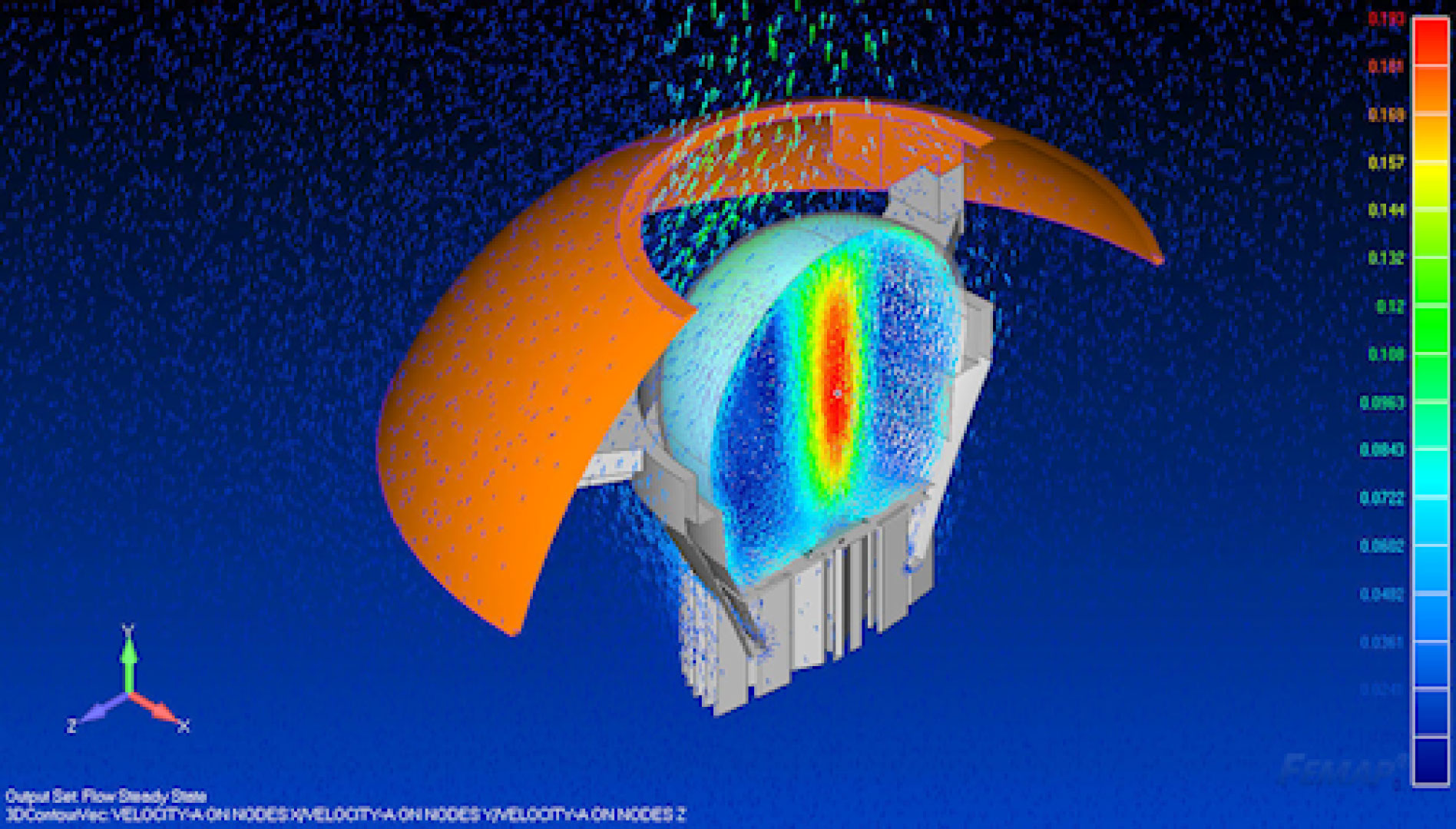
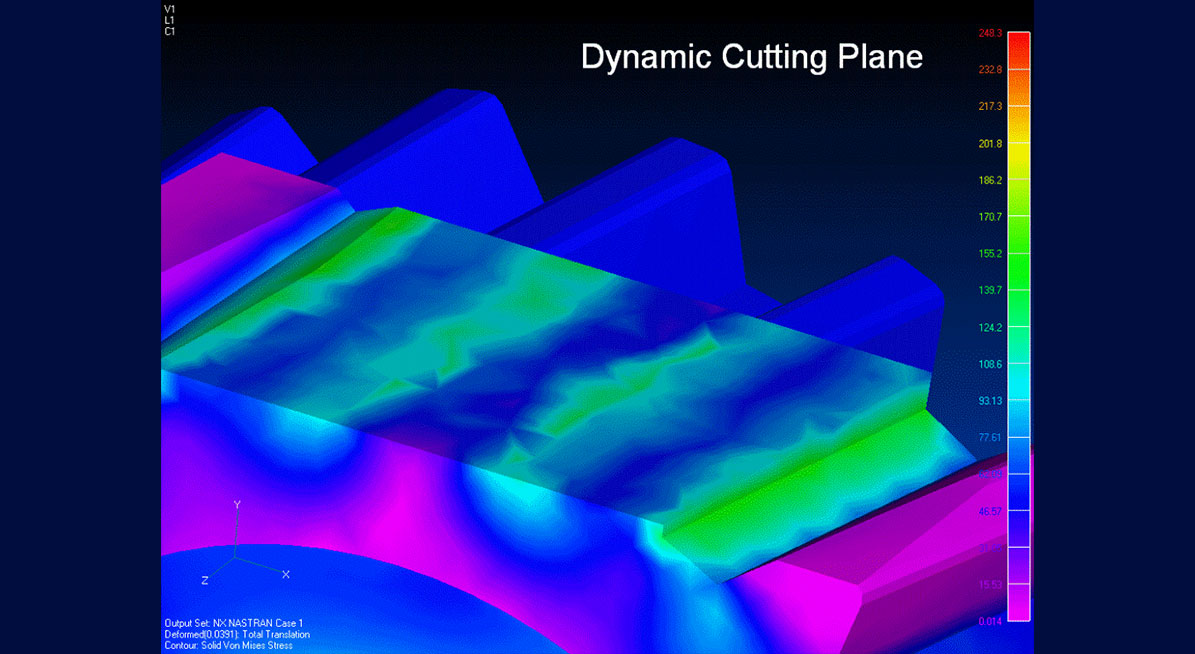
Enhanced Visualization: Intuitive post-processing tools for quick interpretation and decision-making.
SIMCENTER 3D ENGINEERING DESKTOP
Modify any part quickly and easily –
even if you don’t know how it was originally created
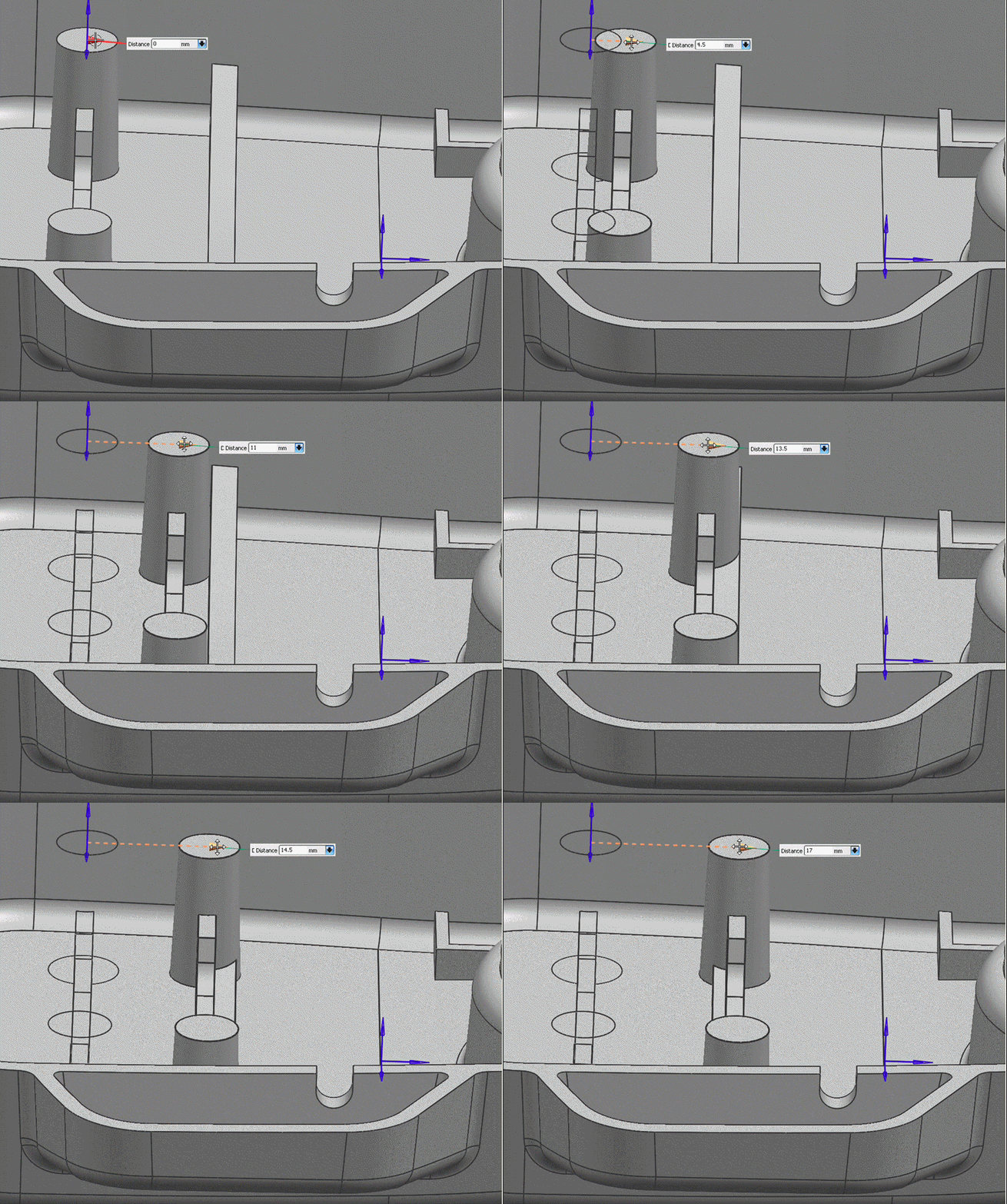
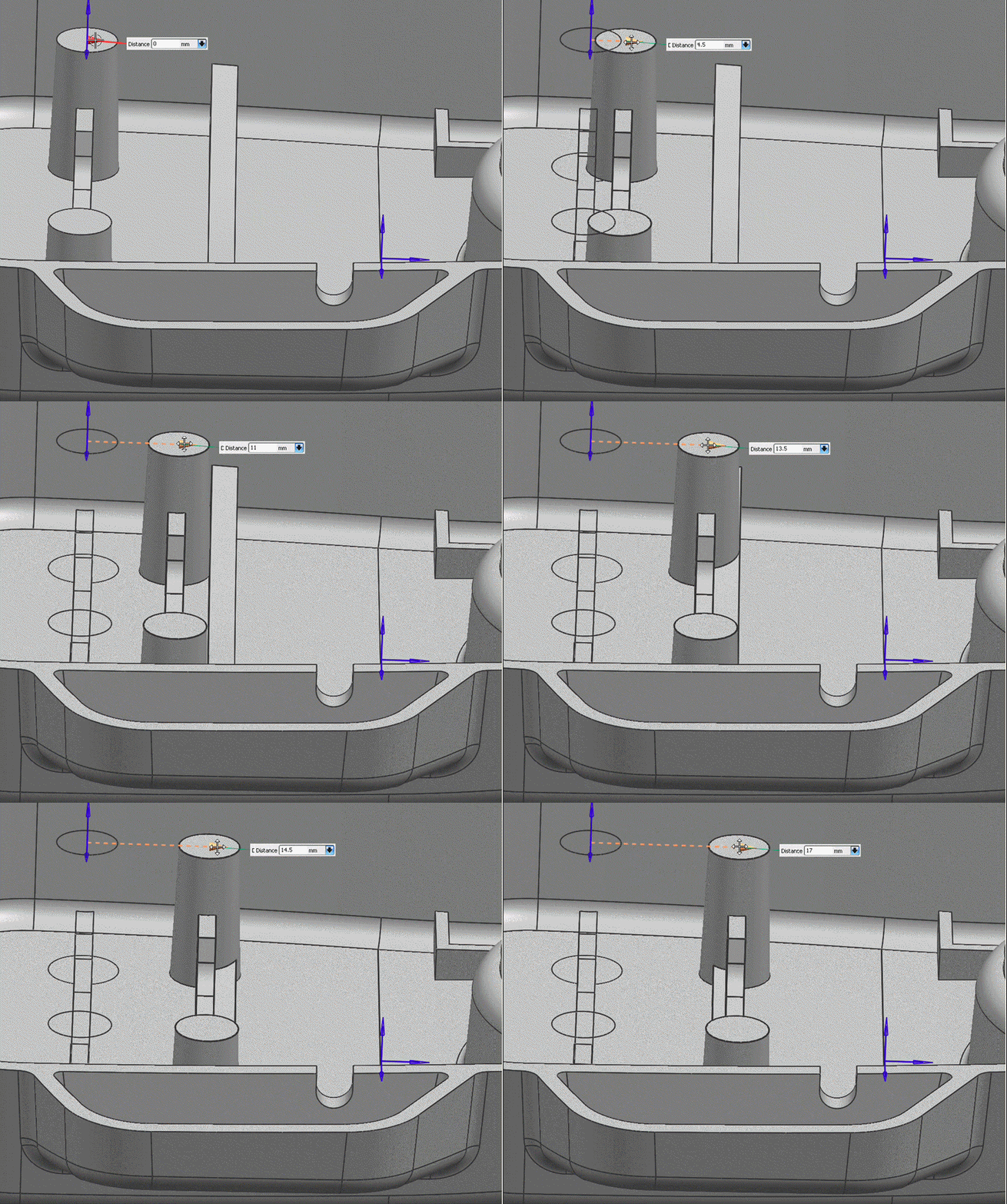
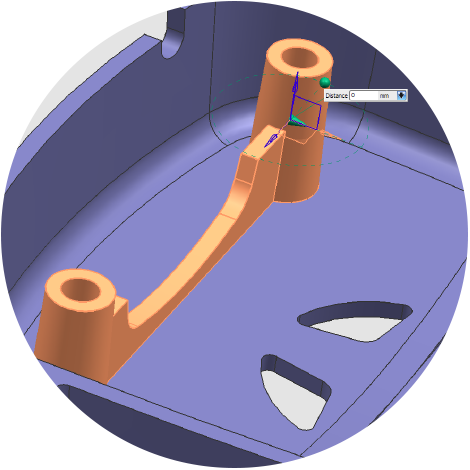
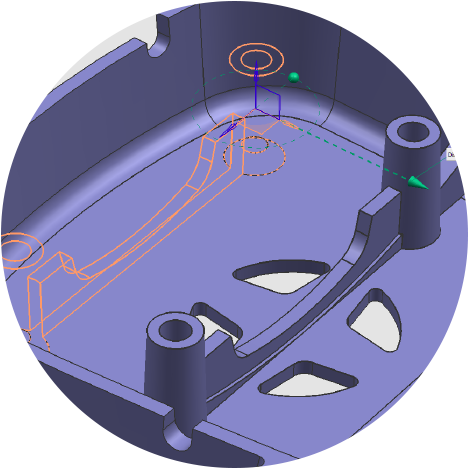
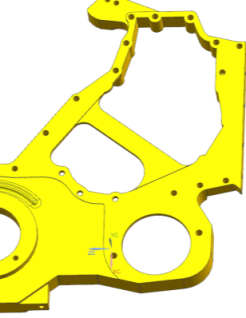
Intuitively edit geometry directly and on-the-fly
Edit geometry independently of part feature history
Bring imported, “dumb” geometry alive from multi-CAD sources
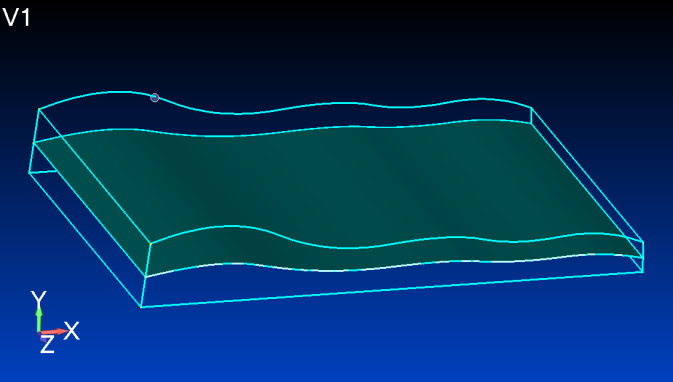
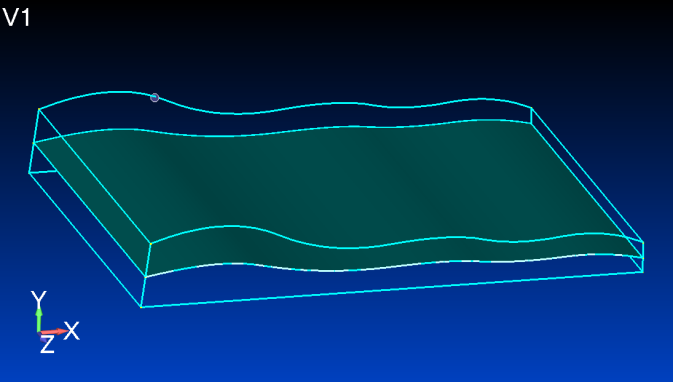
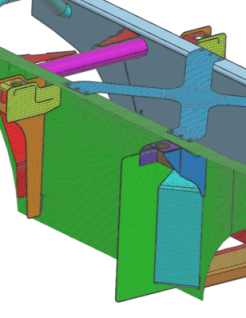
Advanced mid-surfacing
Ideal for thin-walled parts
Robust algorithms
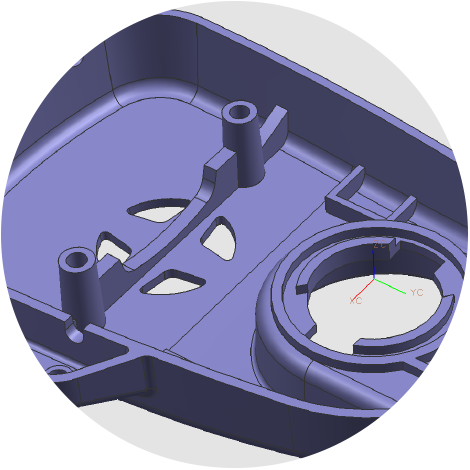
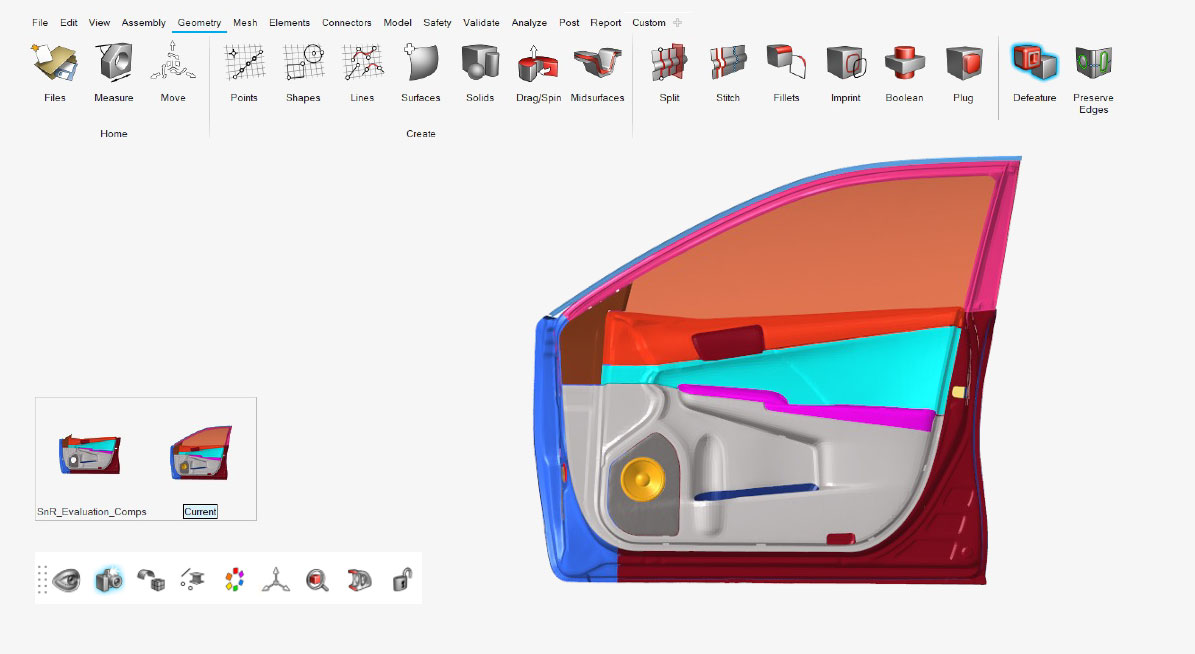
Quick defeaturing
Easily remove holes and blends
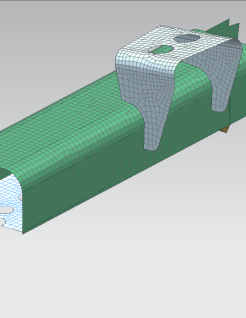
Sew surfaces together
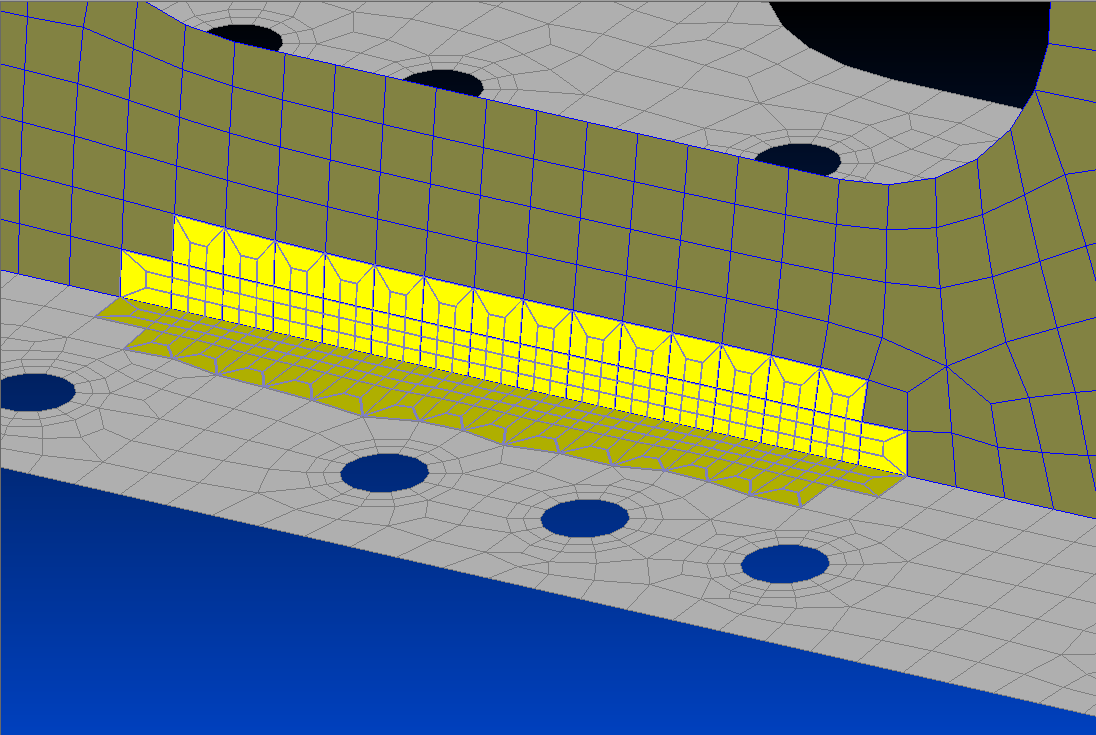
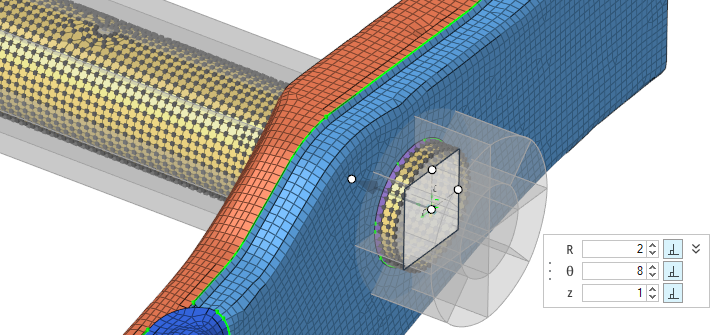
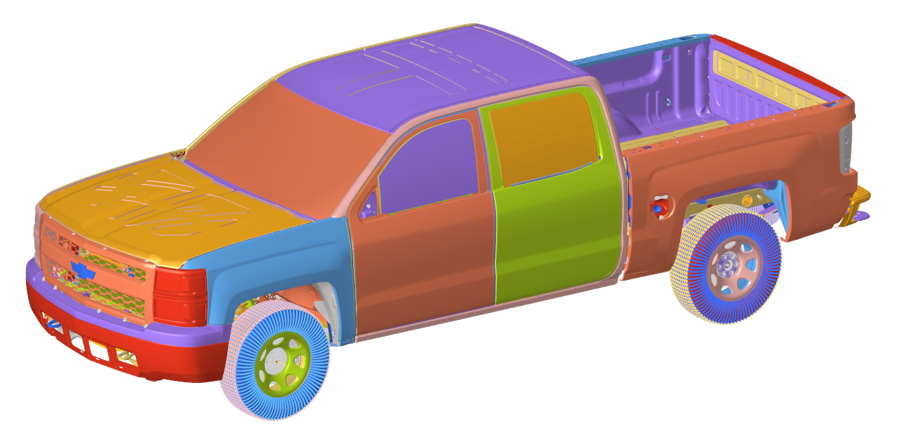
Define mesh mating conditions
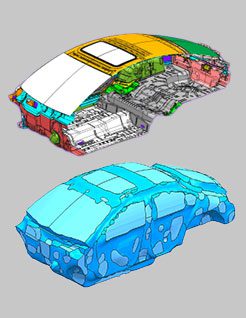
Bring legacy meshes to life
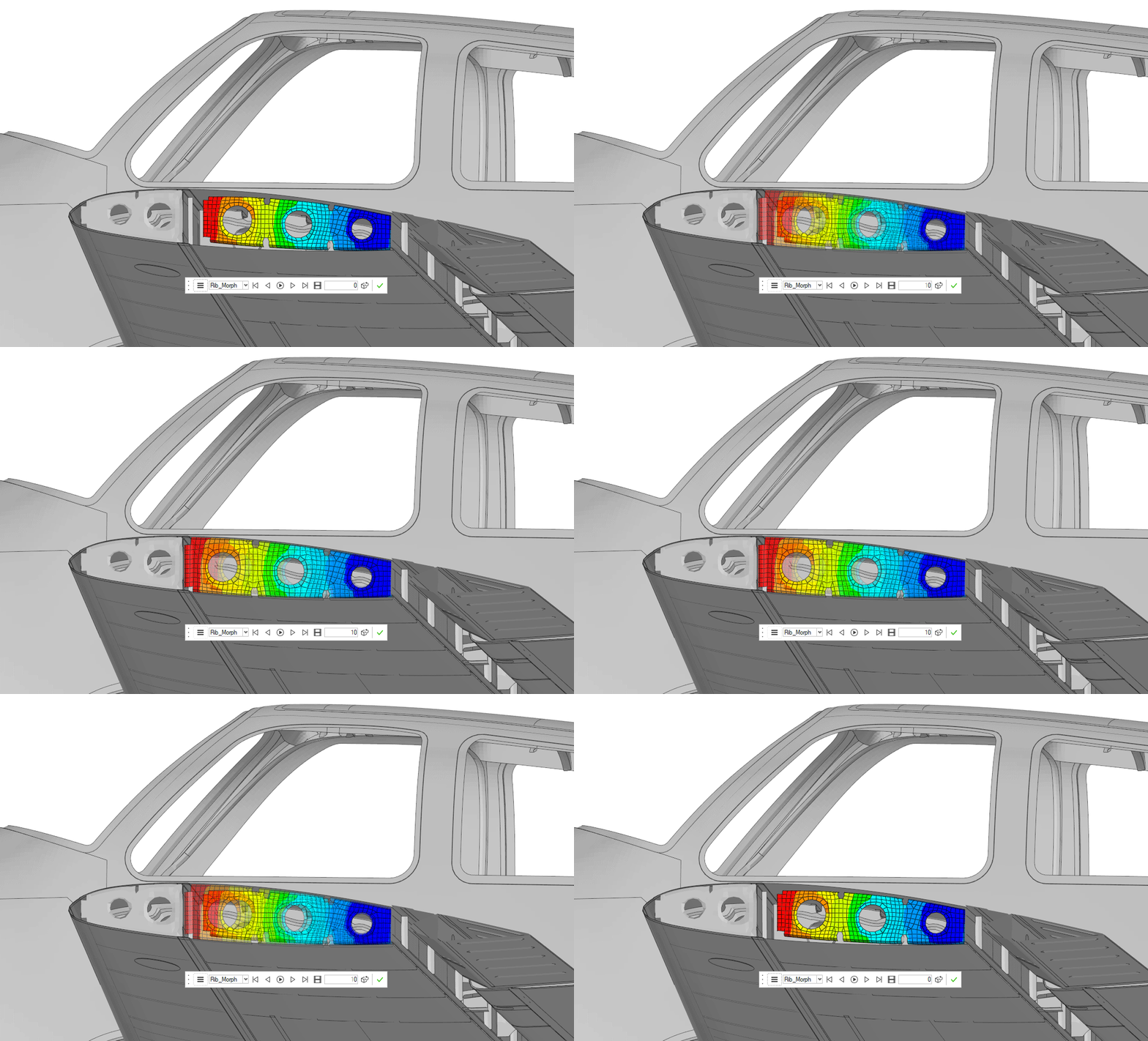
Create geometry from mesh data
Mesh becomes associative
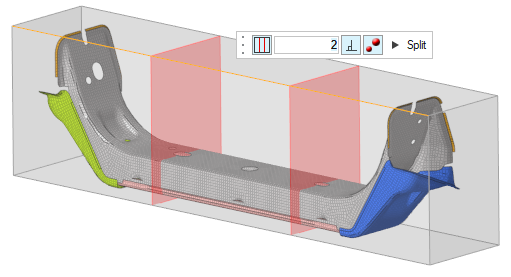
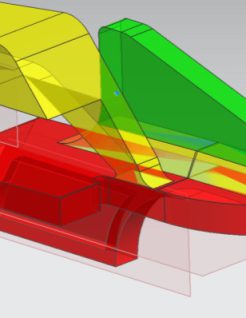
Split solid bodies
Efficiently create sweep-able sections
Creates associative solid bodies
Fluid domain creation for CFD
Rapidly create fluid domain
Associative to geometry updates
Full geometry modeling
Make complex edits
Collaborate with design group
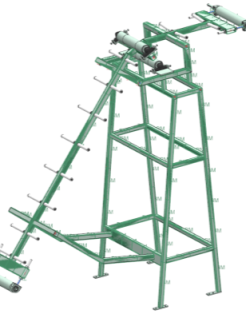
OD and 1D
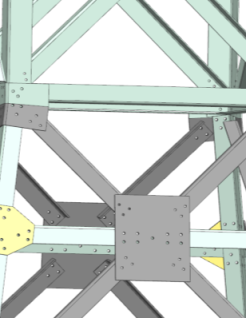
Quick create and manage beam cross sections
Connections, bolts and masses
2D
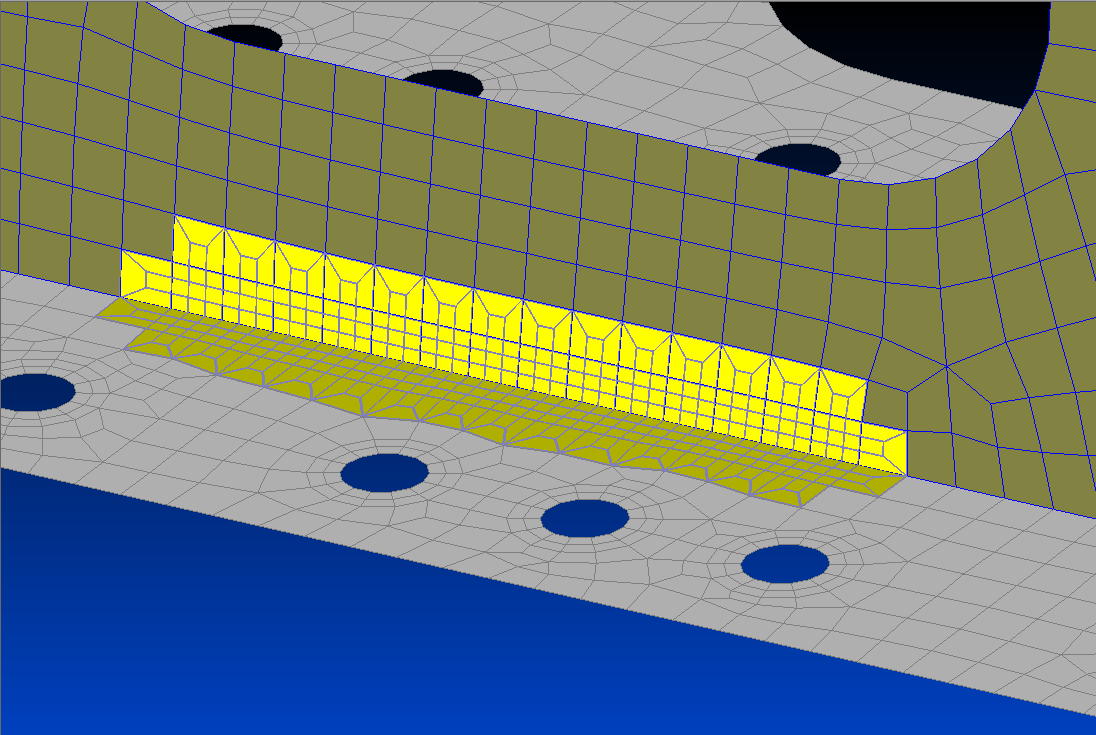
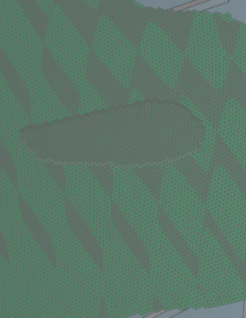
Free or mapped meshes
Analyzes surfaces to produce a better mesh
3D
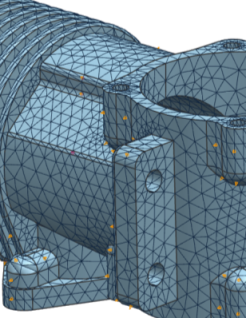
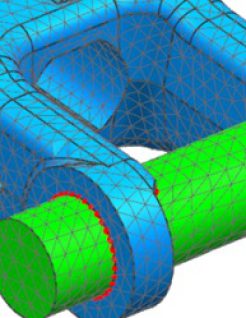
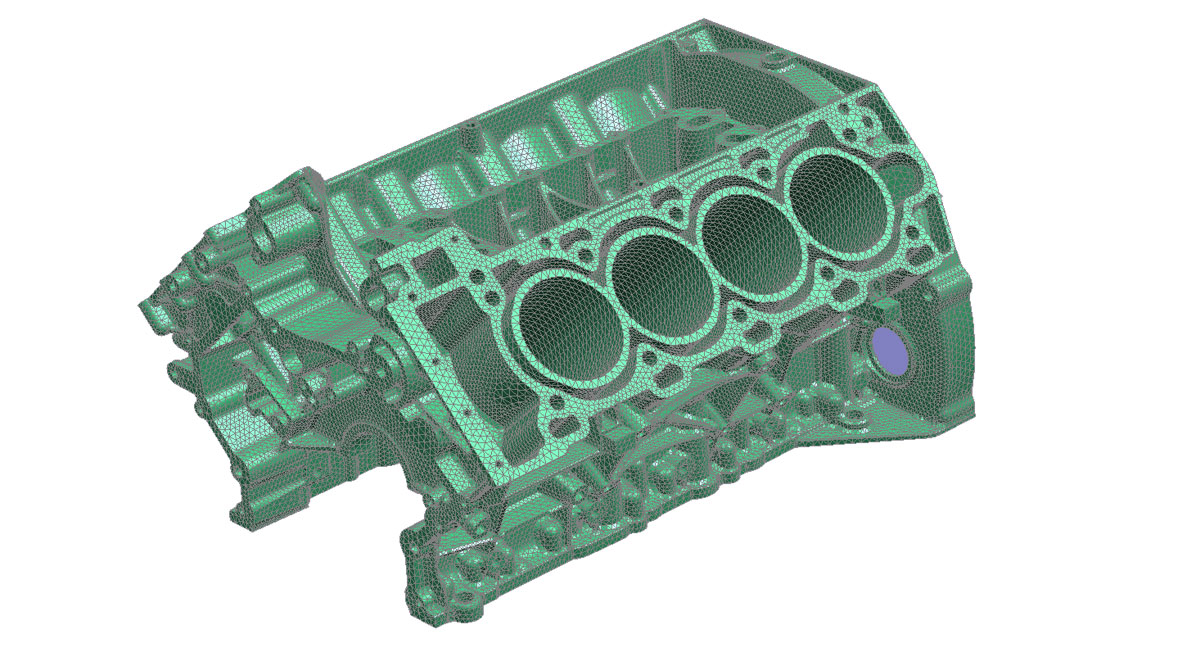
Best-in-class tetra-mesher
Use penta elements to transition from hex to tetras
Mixed Models
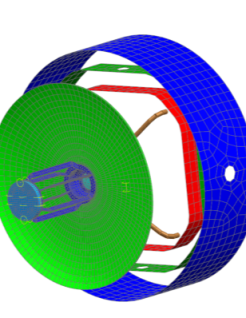
Combine OD, 1D, 2D and 3D elements in a single model
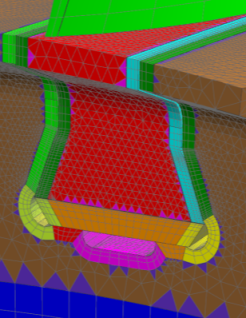
Mesh Controls
Control mesh around holes, fillets and more
Associative to geometry updates
Model Checking
Solver-based element checks
Achieve more accurate solutions
SOLUTIONS
Simcenter™ 3D
A unified, open, and extensible CAE platform that empowers simulation analysts to perform advanced engineering analysis within a single integrated environment. It provides comprehensive tools for geometry handling, meshing, and multi-physics simulation setup, eliminating the need for multiple disconnected tools. Simcenter 3D integrates tightly with Simcenter Nastran and supports other leading solvers
Simcenter™ Femap™
A leading finite element modeling (FEM) pre- and post-processing solution that combines power, precision, and affordability. Known for its ease of use and robust capabilities, FEMAP allows engineers to create detailed simulation models for a wide variety of engineering applications.
Simcenter™ Hypermesh™
A comprehensive, open-platform CAE solution designed to streamline pre- and post-processing for advanced simulations. It provides robust tools for model interrogation, geometry handling, and high-quality meshing, ensuring accurate and efficient preparation for analysis across multiple physics domains