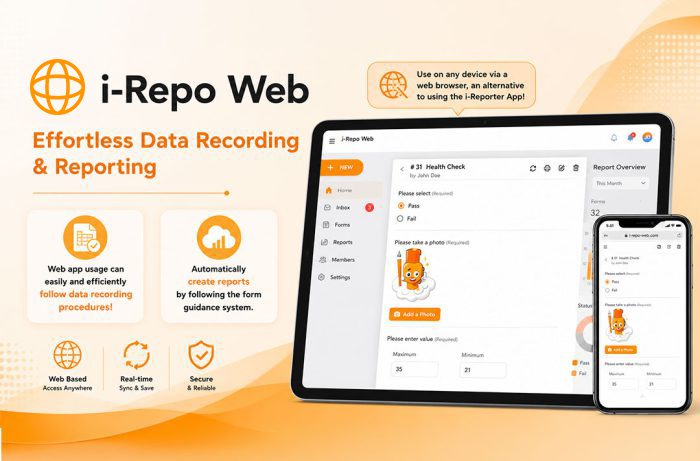
i-Repo Web is a no-code, browser-based reporting solution that guides users through standardized workflows with step-by-step instructions. It automatically generates reports, supports real-time data sharing, integrates seamlessly with enterprise systems, and runs on any device or operating system, helping organizations improve productivity, accuracy, and operational consistency.
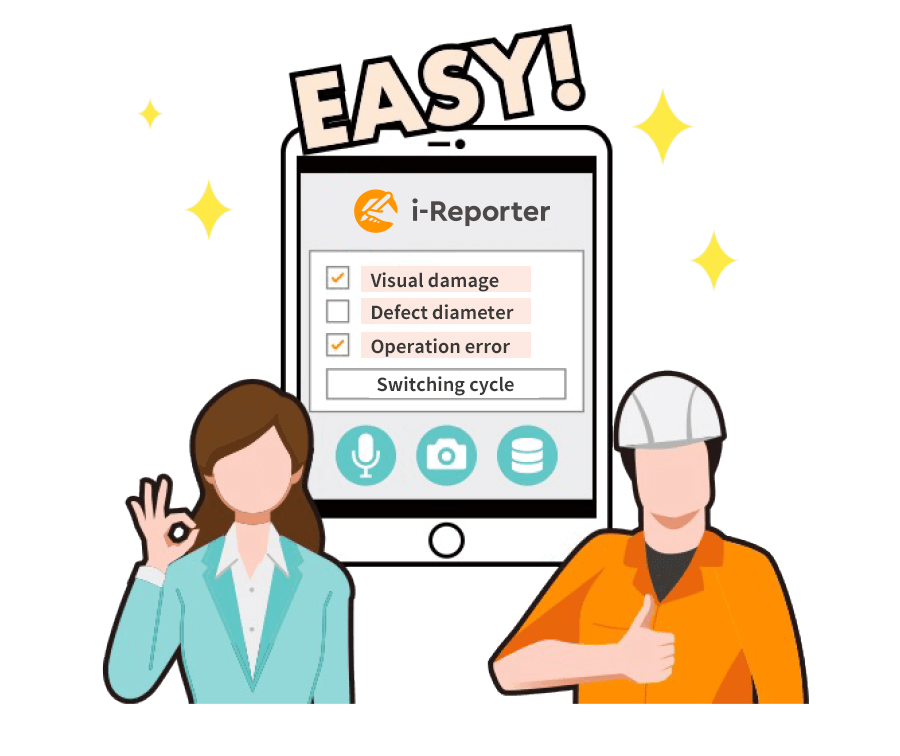
Even new users can easily and efficiently follow data recording procedures!
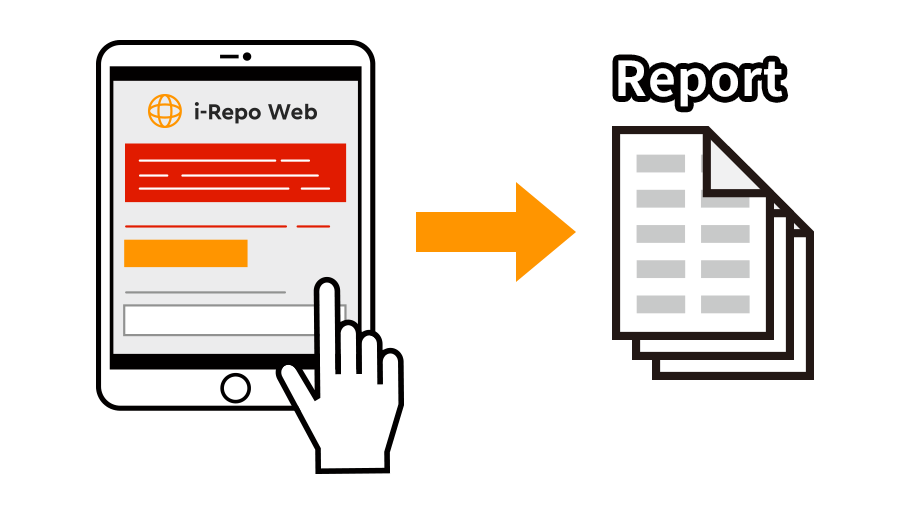
Automatically create reports by following the built-in guidance system.
Use on any device via a web browser, an alternative to using the i-Reporter App!
i-Repo Web is a new free feature for i-Reporter. Anyone with a valid i-Reporter license can deploy i-Repo Web. For the users already deployed i-Reporter, please make an application on the Support Web
Do any of these problems occur with
reporting or on-site work?
A new worker not following the correct procedures/SOPs to fill out reports.
Paper reports are submitted with missing or errors which cause difficulties later.
Data aggregation and manual data entry into a business information system take a lot of time to complete.
Real-time data is unavailable and sharing or searching for information is inefficient.
solves these issues!
A web browser-based system allows anyone to easily log work activities and create reports by
following the built-in guidance system. New forms can be made without any programming.
makes data capture easy
New users can fill out reports easily and accurately! Standardize and streamline on-site reporting.
Users are guided while filling out the form and answering questions via an easy-to-use interface!
An intuitive system guides users through tasks and collects data based on the work scenario at hand. Even those new on-site or in training can easily and accurately fill out forms and complete tasks.
guides
Built-in help features
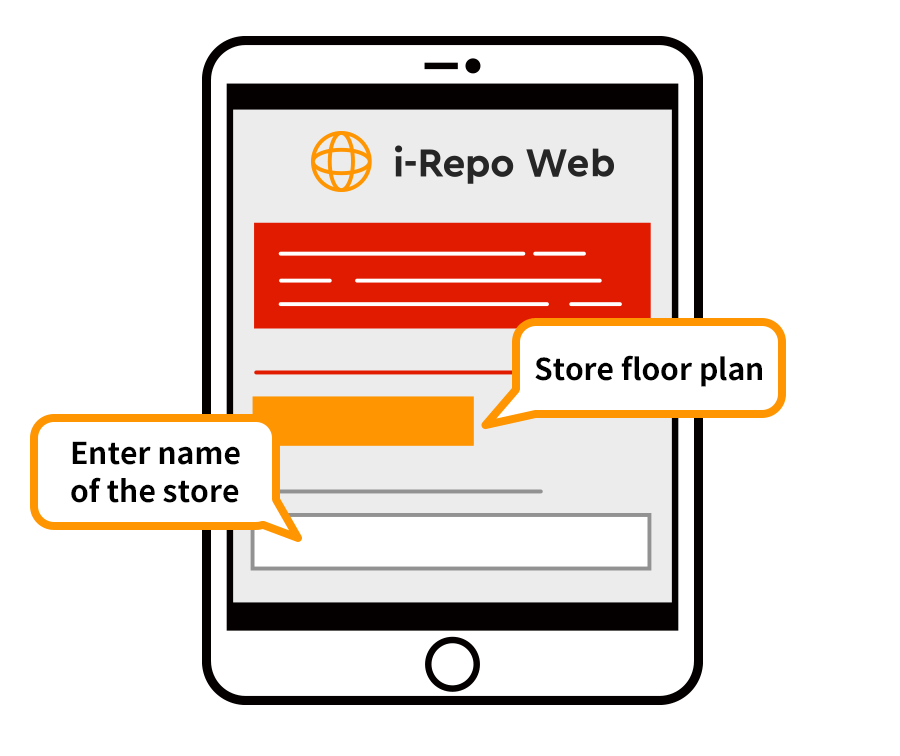
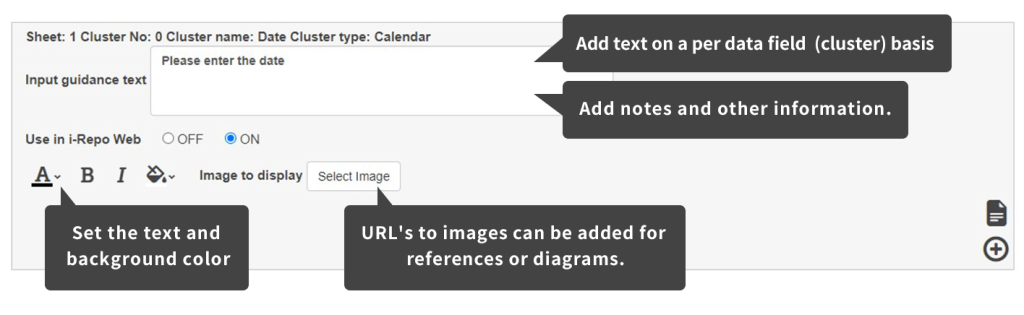
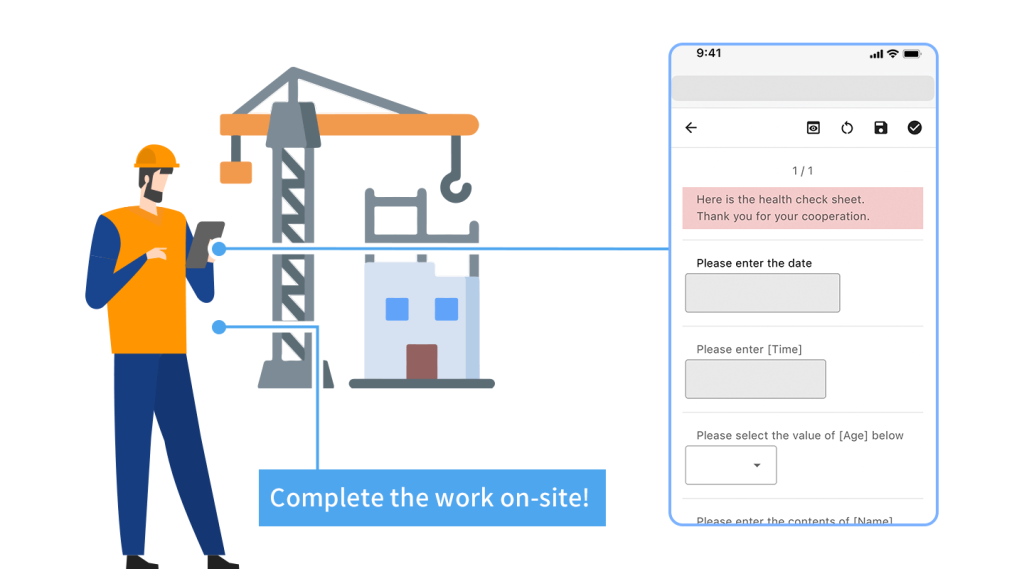
Helper text can be added for each data input field
indicating how the data is to be collected.
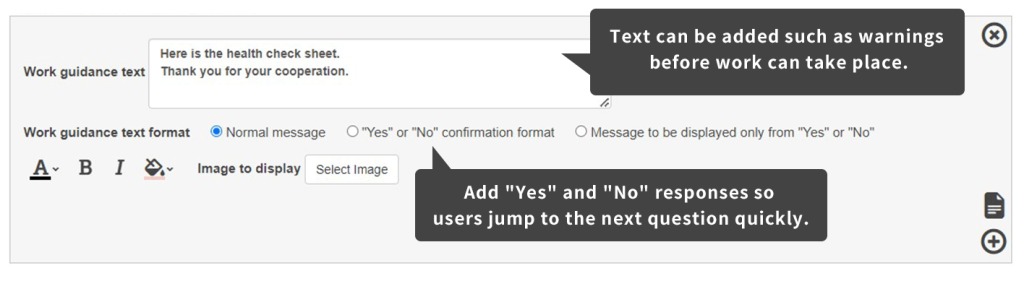
This text can explain procedures, ranges for recording data, or safety warnings making sure those filling out forms do so safely and with confidence.
integrates with other systems
Automatically generate reports from the inputted data on-site! Integration with other systems is also supported!
When a report is completed in the field or on the factory floor, the data is formatted into the form template and all the data is available in real-time.
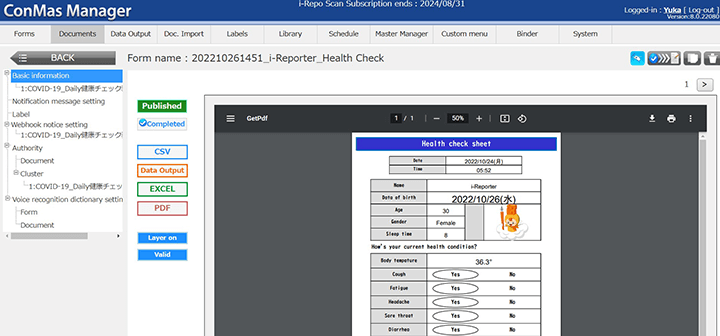
i-Reporter has a powerful API to integrate with other systems in your organization and allows for exporting data as a PDF document, CSV file, or Excel worksheet too.
is OS independent
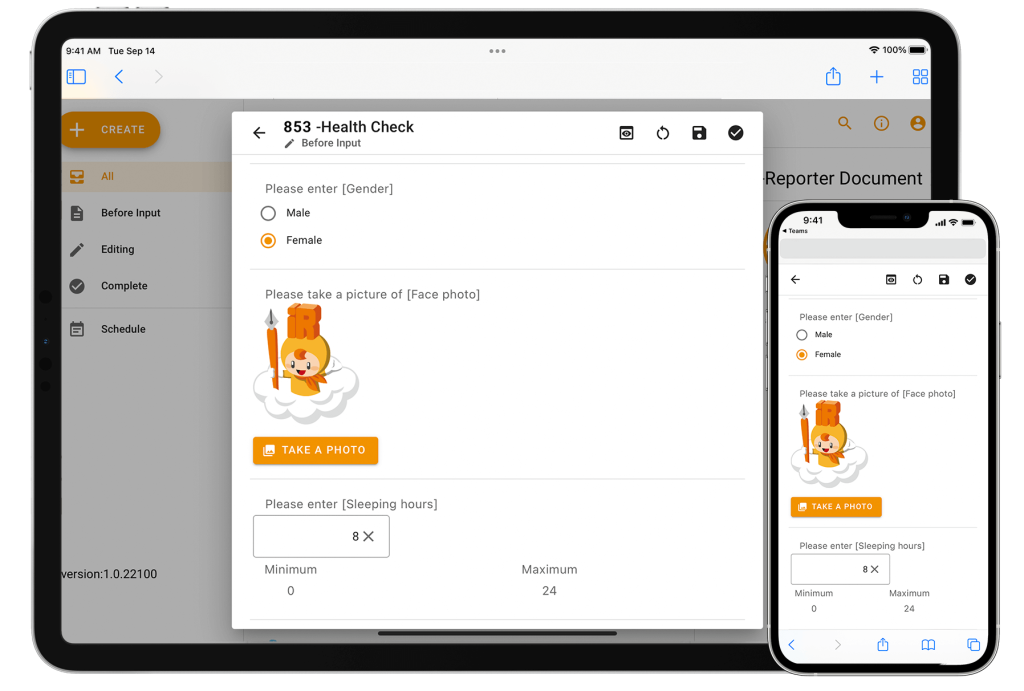
Web browser-based access means no limitations by device or operating system (OS)!
i-Repo Web is used via a web browser so can be used with your iOS (iPhone or iPad), Android, Windows, or Mac systems without having to invest in new hardware.
needs no programming
Develop your web forms without having to do any programming!
All settings and configuration of the form can be done via a dedicated management interface!
Use the i-Repo Web form as a replacement for your paper forms or use them as a quick data entry tool from paper reports.
Guided system for accurate data collection requiring no programming!
i-Repo Scan is an optional add-on and requires an i-Reporter license.
Highlights
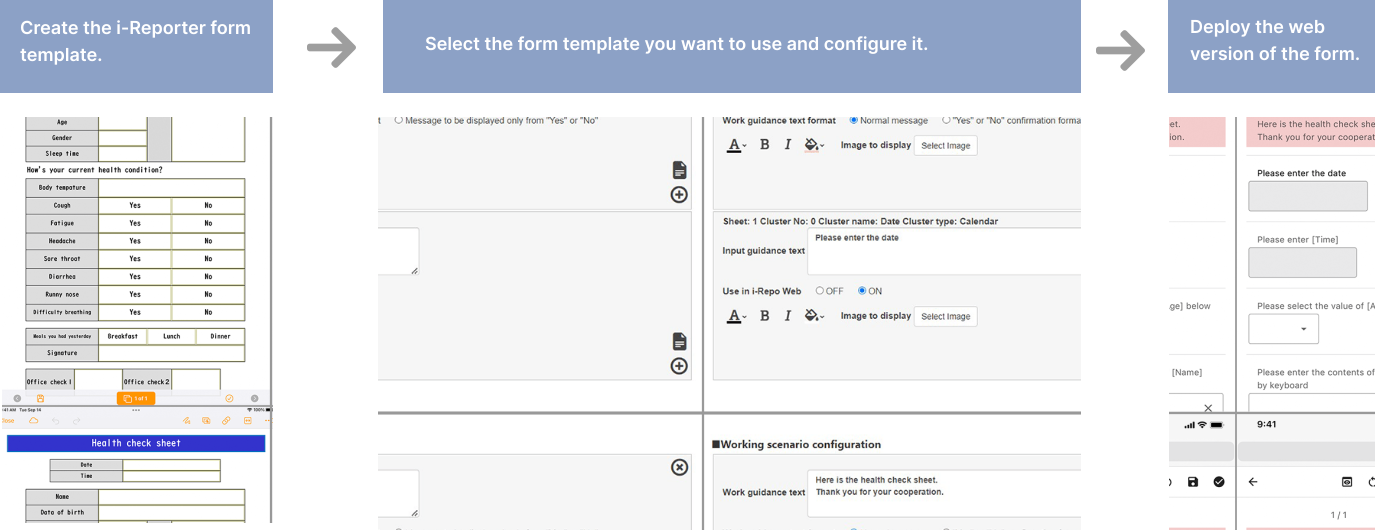
Creating a web form
First, create a form template to use with i-Reporter.
Next, using the i-Repo Web management interface set up the form template with data to be captured and add any helper text to guide users.
Setting up helper text for guiding users on-site
Helper text can be anything, such as explaining what information to record, precautions to take while performing a task, notes about equipment, etc.
Input guidance (information for when entering data)
Work guidance
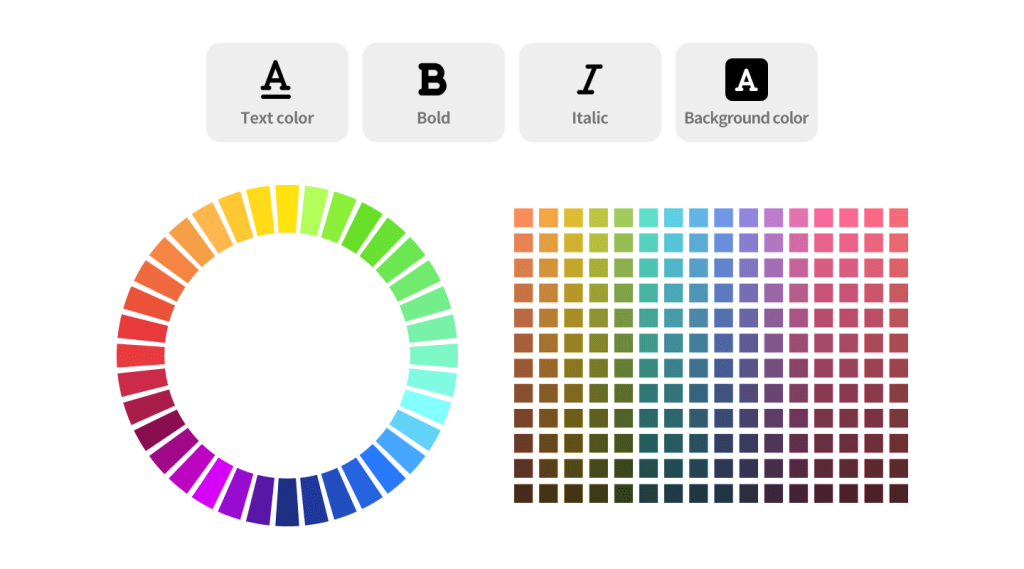
Text formatting and background color settings
Make text bold, or italic, or change the colors to suit your needs. The background color of the helper text can also be adjusted so important information is not missed.
Work guidance inputting
Workers enter the data according to guidelines based on proper procedures outlined with helper text, standardizing and streamlining work.
Reports are generated automatically. Data can be integrated with external systems too.
Once all the questions on the web form are answered, a report is generated in real-time based on the form template from the data entered. i-Reporters powerful API and integration features make it easy to output PDF documents, CSV files, and Excel worksheets, or connect to external systems such as production databases, CRMs, or business intelligence solutions via the API.