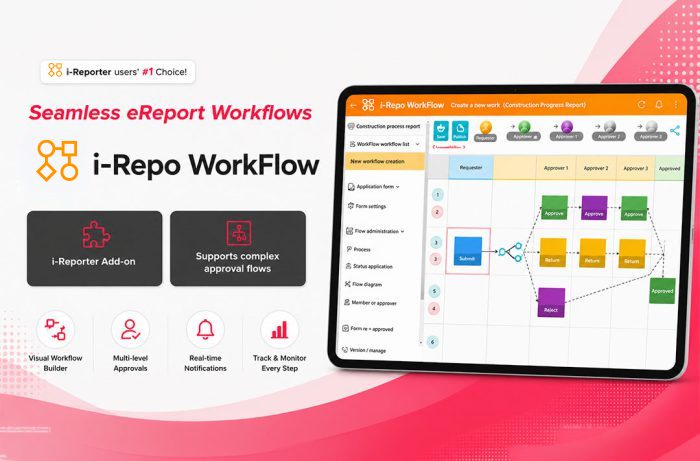
i-Repo WorkFlow is a digital approval workflow solution that automates review, verification, and approval processes for field operations. It provides real-time notifications, configurable approval routes, electronic signatures, and seamless integration with i-Reporter, helping organizations eliminate paper-based approvals, improve compliance, accelerate decision-making, and increase operational efficiency.
i-Repo WorkFlow is an optional add-on for i-Reporter and requires an i-Reporter license.
Do you struggle with the approval process on-site?
It is difficult to integrate an external systems approval system along with i-Reporter.
There are needs for complex approval processes when using i-Reporter forms.
I want to deploy a solution to meet the complex demands in the field.
The most requested add-on for
Supercharge your approval workflows
Improve the approval process on-site!
Easy to deploy in your organization and deeply integrates with i-Reporter.
i-Reporter and i-Repo WorkFlow seamlessly work together.
Create complex approval processes
that fits most any scenario.
A number of features to meet
any situation.
Features
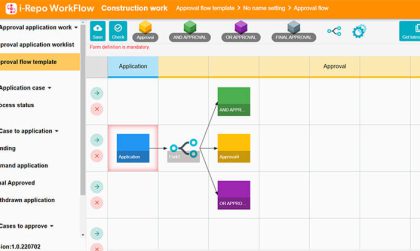
Create Approval Processes
01 Easily create approval flows
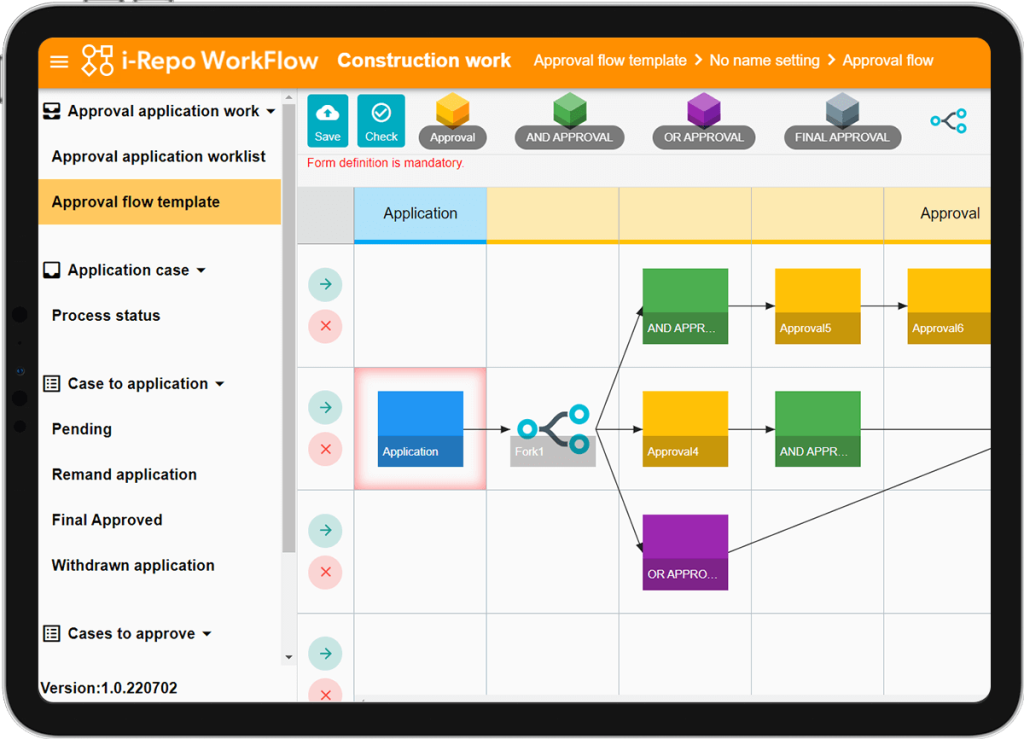
Operators allow you to create any kind of flow. Easily create flows with only dragging and dropping.
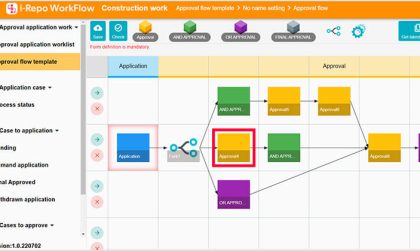
02 Conditional branching
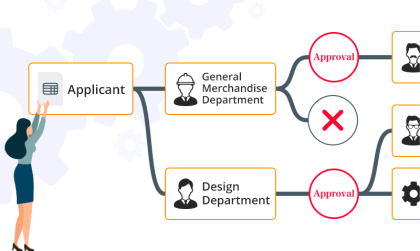
Create multiple approval flows based on the values inputted into i-Reporter forms.
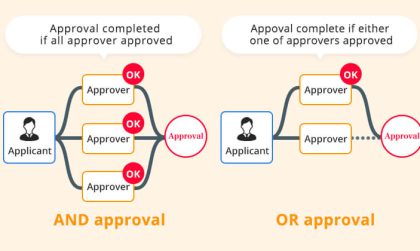
03 AND OR operators
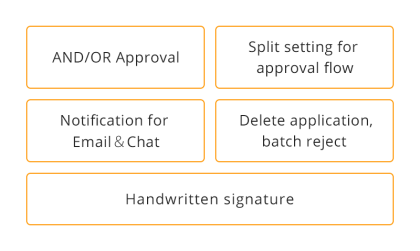
Set up approval processes where approval by multiple people (AND) or approval from members of a group (OR).
04 Designate a return point
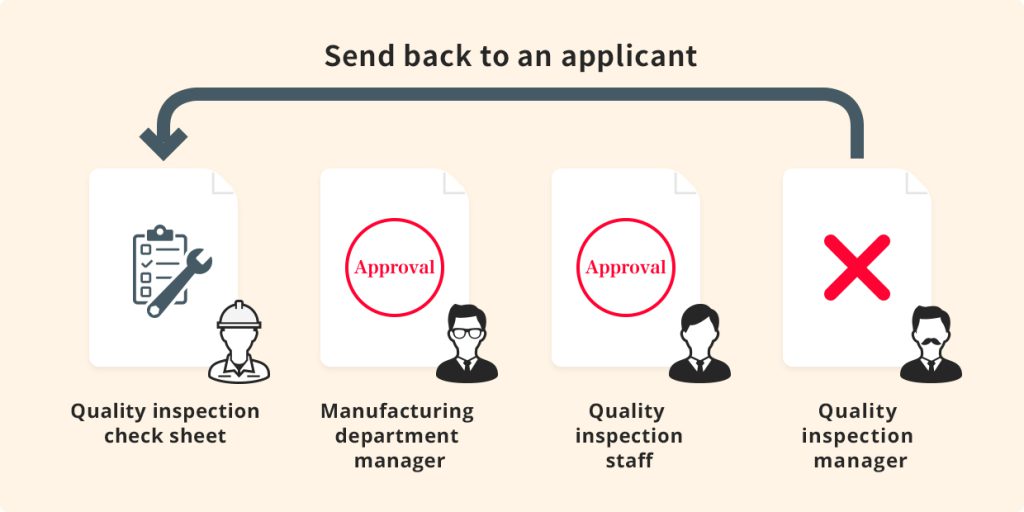
In the event of a rejection of a form, send the form back to any point.
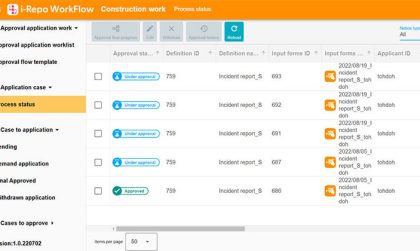
05 Process management
Applicants can withdraw requests for approvals.
Approval and Confirmation Features
01 Approval list view
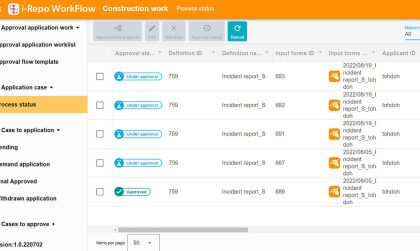
Easily view all pending forms ready for approval, are unapproved, and rejected.
02 Digital stamp or handwritten signature support
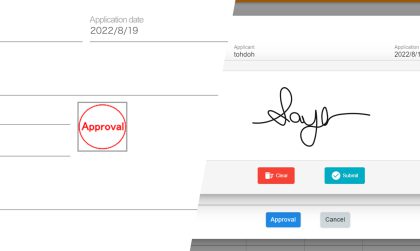
Sign off on forms using a digital stamp or handwritten signature.
03 Notifications
Set up so your notifications reach you anywhere whether it’s Teams, Slack or Email.
Integration with i-Reporter
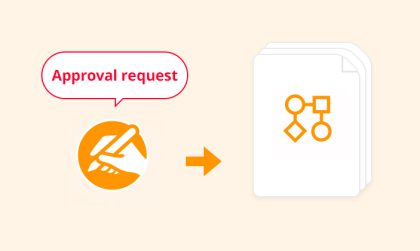
When an i-Reporter form is sent for approval within i-Reporter, the system automatically creates a new entry in i-Repo WorkFlow to sign off the form.
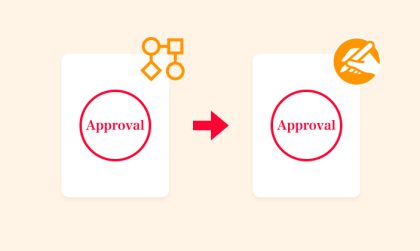
When a form is approved in i-Repo WorkFlow, the digital stamp or signature is viewable in the i-Reporter form.
Use Cases
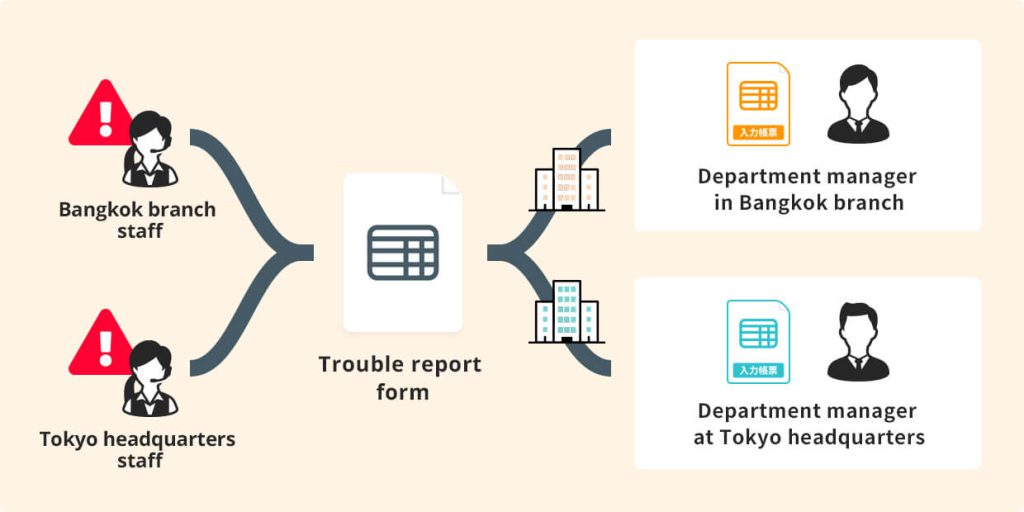
01 Support/Trouble Tickets
An intuitive system guides users through tasks and collects data based on the work scenario at hand. Even those new on-site or in training can easily and accurately fill out forms and complete tasks.
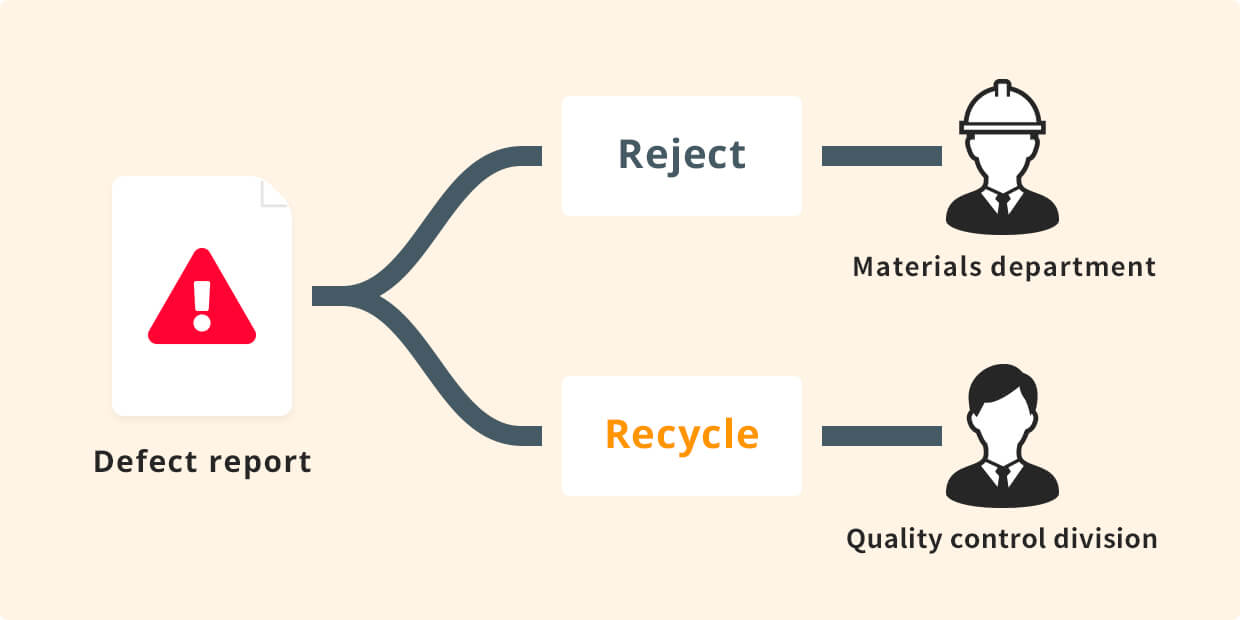
02 Defective products during manufacturing
If defects are found during the quality control inspection phase, depending on the defect level, the item can be discarded or recycle the materials. The inspection process can then branch into two branches depending on the defect level.
03 Quality inspection form
If there is a problem at any time during the approval process for an inspection form, it is possible to send the form back to the user who performed the inspection