i-Repo Scan is a smart barcode and QR code scanning solution that replaces dedicated handheld scanners with iPhones and iPads. It enables continuous batch scanning, accurate inventory management, picking, and shipment verification while reducing errors, hardware costs, and processing time through intelligent filtering and seamless integration with i-Reporter
Efficiently process large amounts of inventory or incoming shipments.
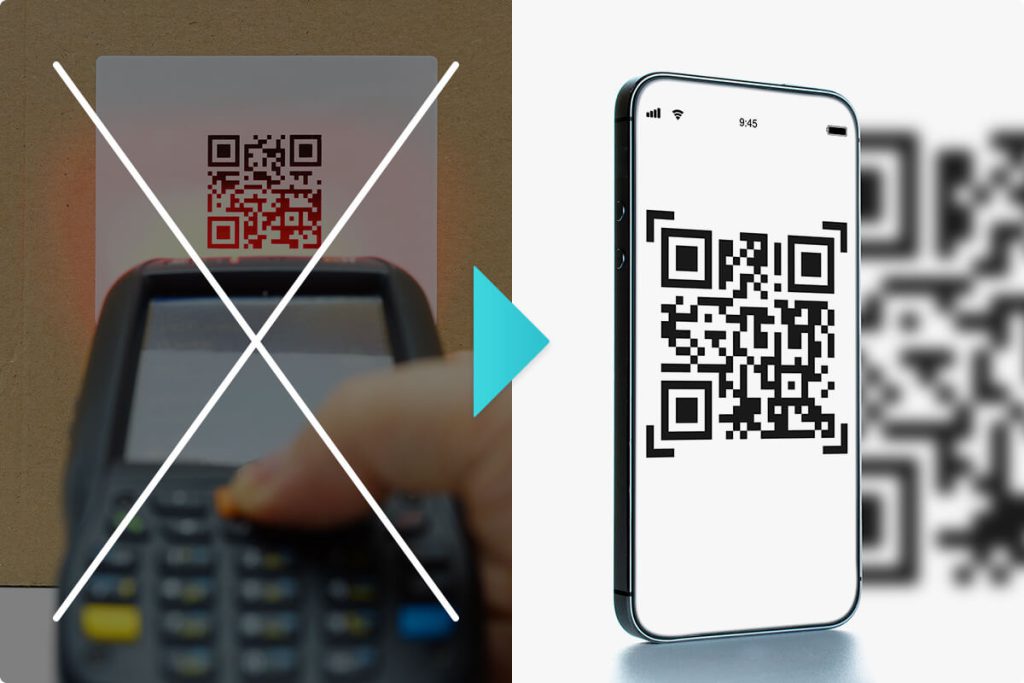
Use your iPad or iPhone as an advanced barcode scanner.
i-Repo Scan is an optional add-on and requires an i-Reporter license.
Watch
in action.
Regardless if you have i-Reporter deployed or not,
does your organization have these problems while scanning barcodes?
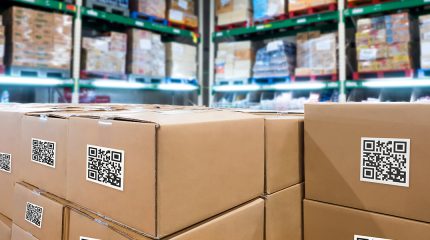
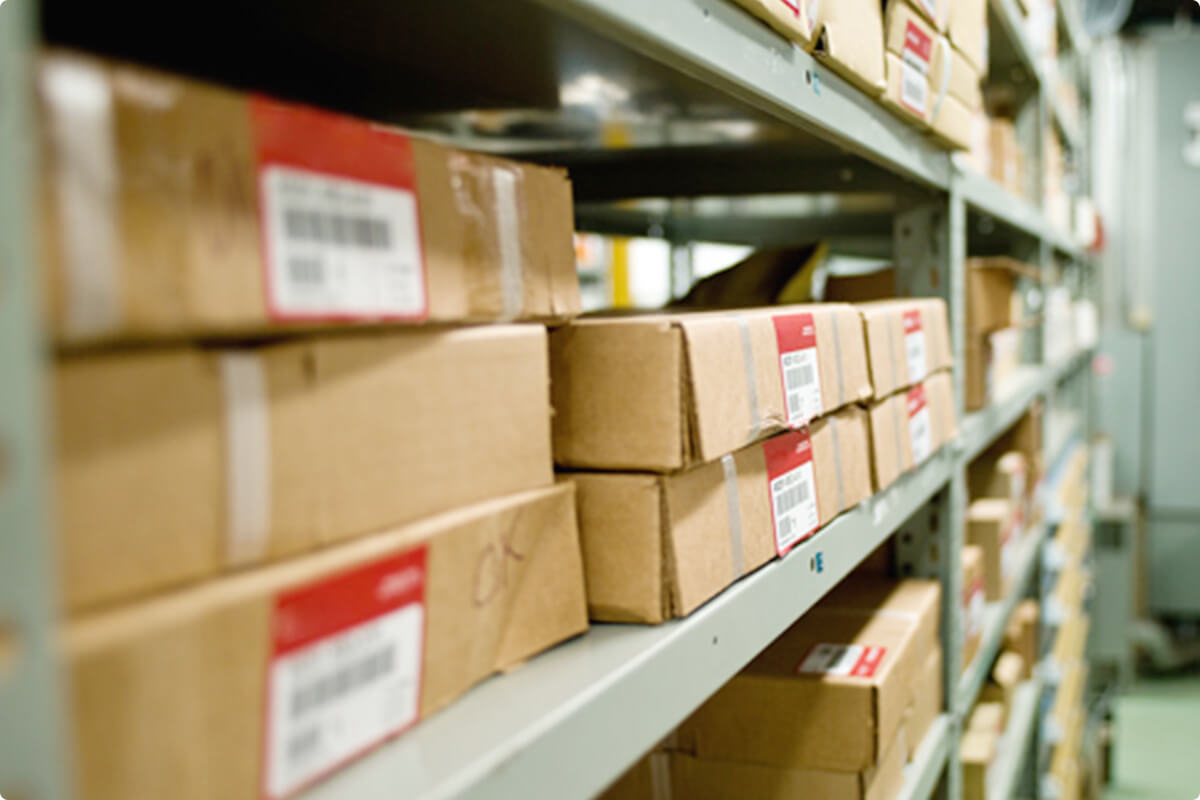
Having to scan many barcodes one by one can take lots of time and some may result in duplicate or missed scans.
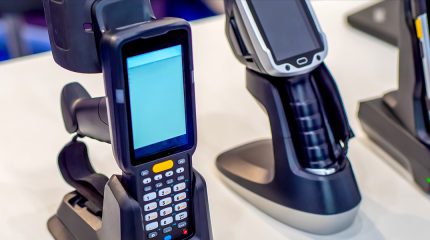
Handheld readers can be slow and errors may occur.
It can be costly and time consuming to develop and integrate most solutions.
Handheld barcode scanning devices can be expensive to deploy.
Using
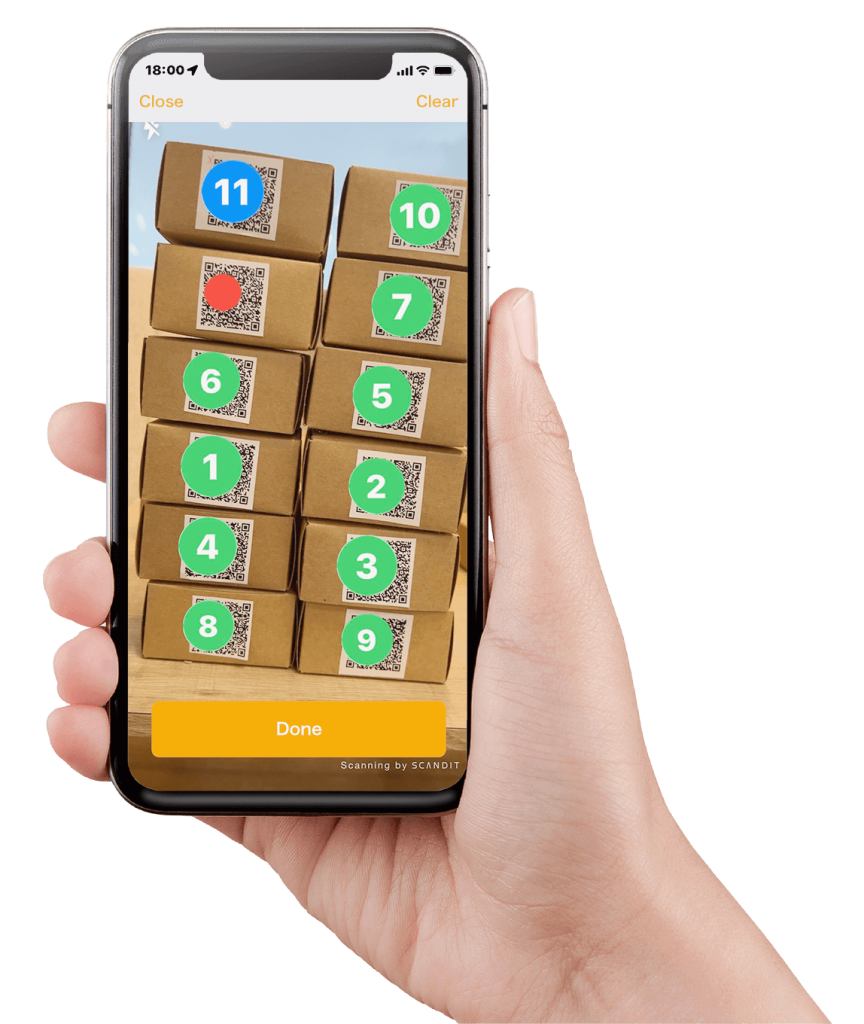
Scan multiple barcodes at once and sequentially in batches. Speed up processing of doing inventory, recording incoming shipments, and more.
Create solutions custom to your businesses barcode scanning needs without having to do any programming.
Using an app on the iPad or iPhone reduces deployment costs.
Benefits of using
01 Scan barcodes quickly!
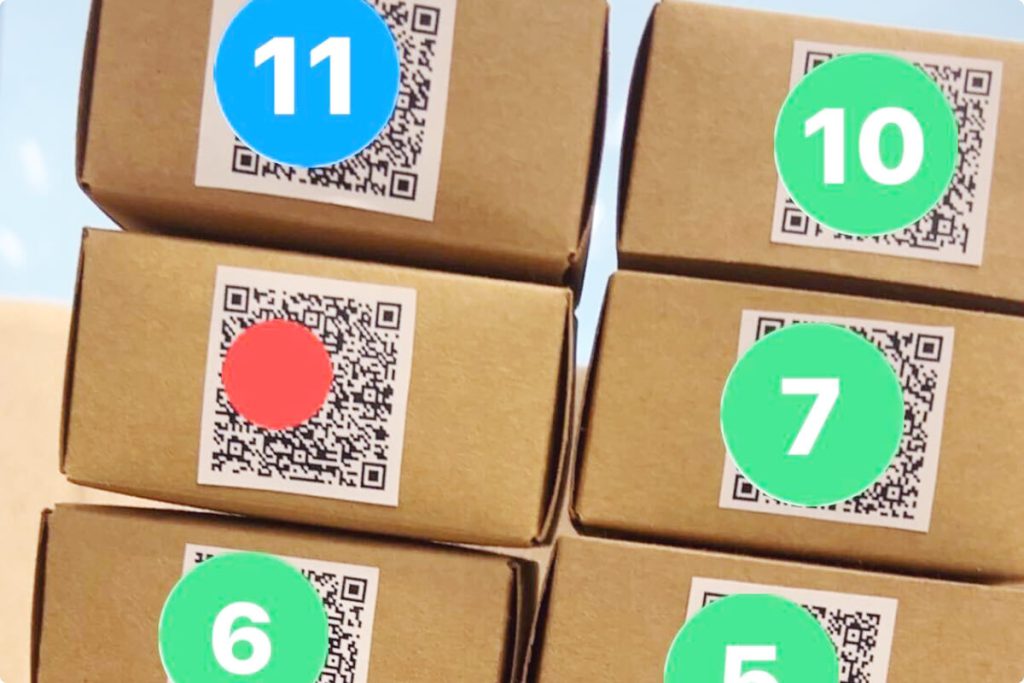
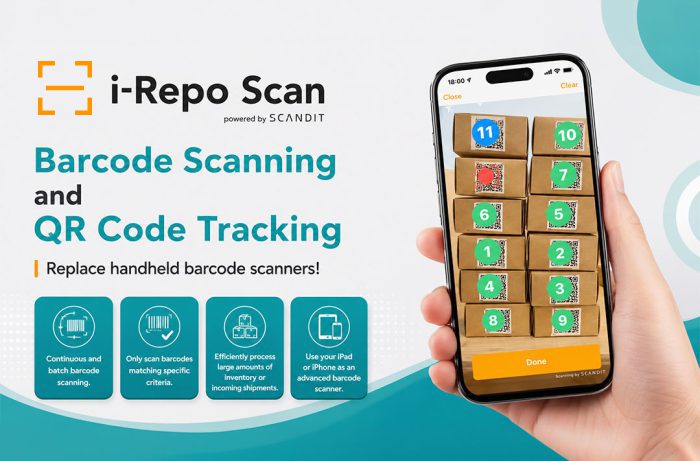
Scan a large number of barcodes continuously in batches, all while displayed on the screen. Even if you have different kinds of barcodes visible, only the designated barcodes are scanned. Inventory and picking work is greatly Speed up!
02 Only scan the barcodes that meet the requirements!
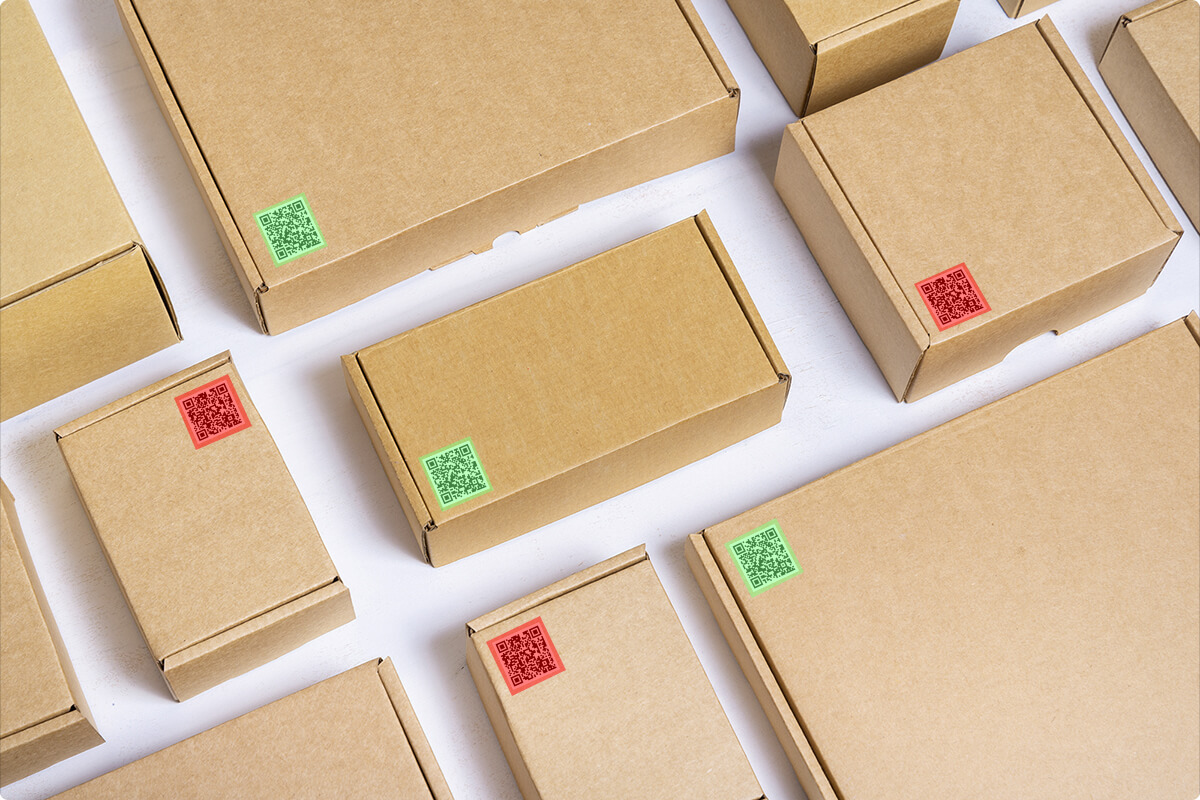
Reduce errors and speed up picking by scanning barcodes based on a preset list. Barcodes that will be scanned will be highlighted in green, and those ignored and not scanned will be highlighted in red.
03 Advanced feedback while scanning
While scanning multiple barcodes, the app will display a number over the barcodes that have been scanned to prevent rescanning a barcode. A blue dot indicates the last barcode scanned, green shows a successful scan, and red indicates a problem scanning the barcode preventing incorrect information from being captured.
04 Dedicated UI for counting quantity of items.
Accurately and efficiently count parts during inventory, packages in shipping/receiving, or anywhere else accurate inventory of stock is important.
05 Reduce installation costs by 20% without needing dedicated barcode scanning hardware!
Since i-Repo Scan is an app for the iPad or iPhone, there’s no need for purchasing additional hardware. The costs incurred with purchasing hardware and integration with existing system can be reduced by 20%.
*Additional values are not calculated such as using Augmented Reality (AR) technology to reduce errors while scanning and time saved by batch scanning barcodes.
06 i-Repo Scan is developed with SCANDIT, a leader in developing innovative barcode solutions around the world.
State-of-the-art technology from SCANDIT powers i-Repo Scan, a leader in mobile image processing, cloud computing, and IoT technology.