







|

|

i-Reporter

i-Reporter is a digital form solution that replaces paper and Excel workflows with efficient, paperless processes. It enables real-time data collection, offline operation, barcode scanning, photo capture, and seamless system integration. Designed for frontline operations, i-Reporter improves productivity, reduces errors, and accelerates digital transformation across industries.

i-reporter-cover

The Best Digital

Form Solution 

For Your Business

i-Reporter Mascot
Form 1
Form 2
Form 3
Form 4
Form 5
Form 6
Form 7
Form 8
Form 9
Form 10
Form 11

Japan’s No.1 Paperless On-site Reporting Solution

Best Software in Japan 2023 Best Software in Japan 2024 Best Software in Japan 2025 Best Software in Japan 2026 The Best Software by Category 2026
Japan's Share No.1
Trusted by 4,500+
Used by 220K Users

*Source: Fuji Chimera Research Institute, Inc., published on February 17, 2026, IT Investment Trends by Industry / Future Outlook of the DX Market 2026 Edition – DX Investment
IV-13 Paperless Solutions for On-Site Forms: 46.5% market share (vendor share by volume, FY2024)

i-Reporter is

trusted and used by more than

4,500 companies.

i-Reporter digitizes paper-based forms used on-site
to solve a wide range of business challenges.
  • Daily Inspection
    Record table
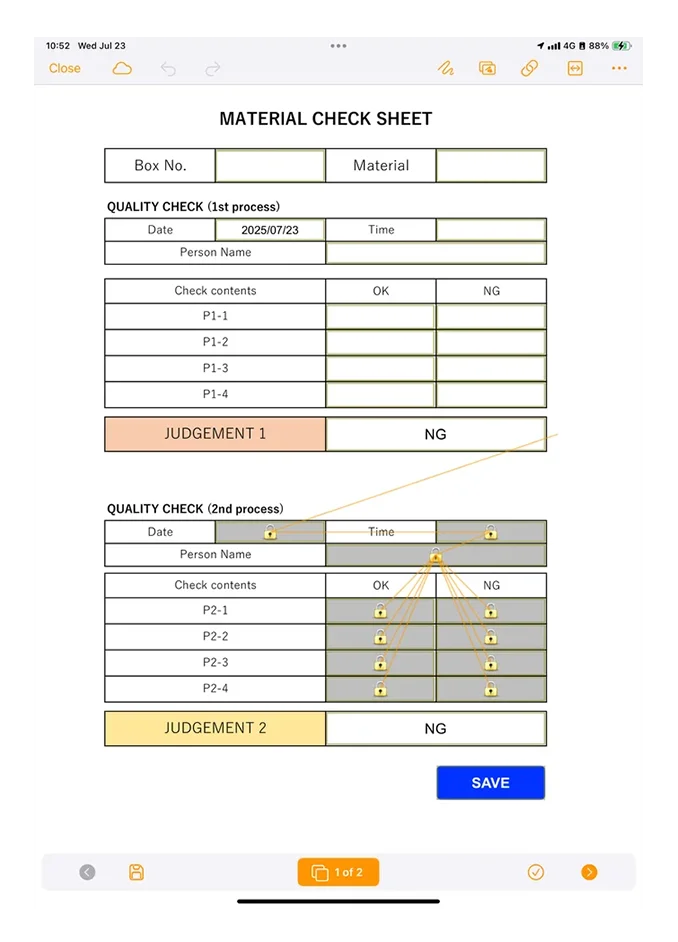
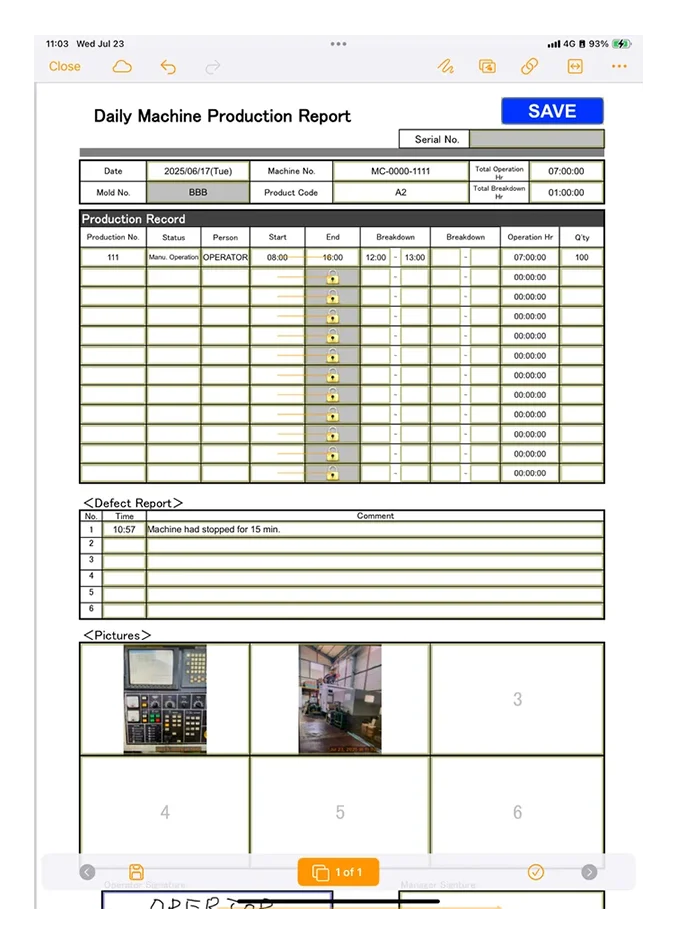
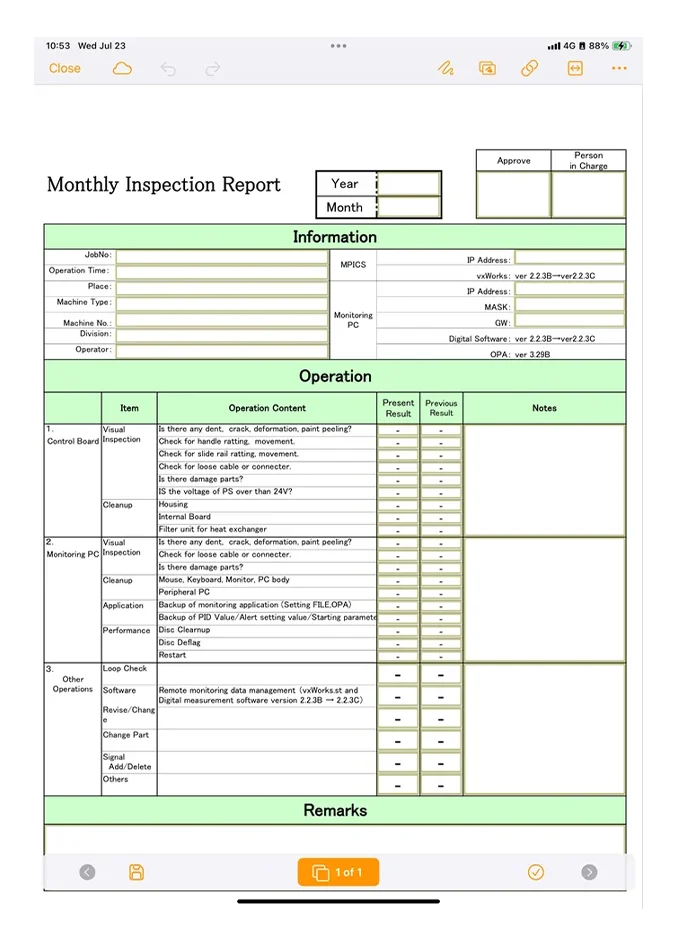
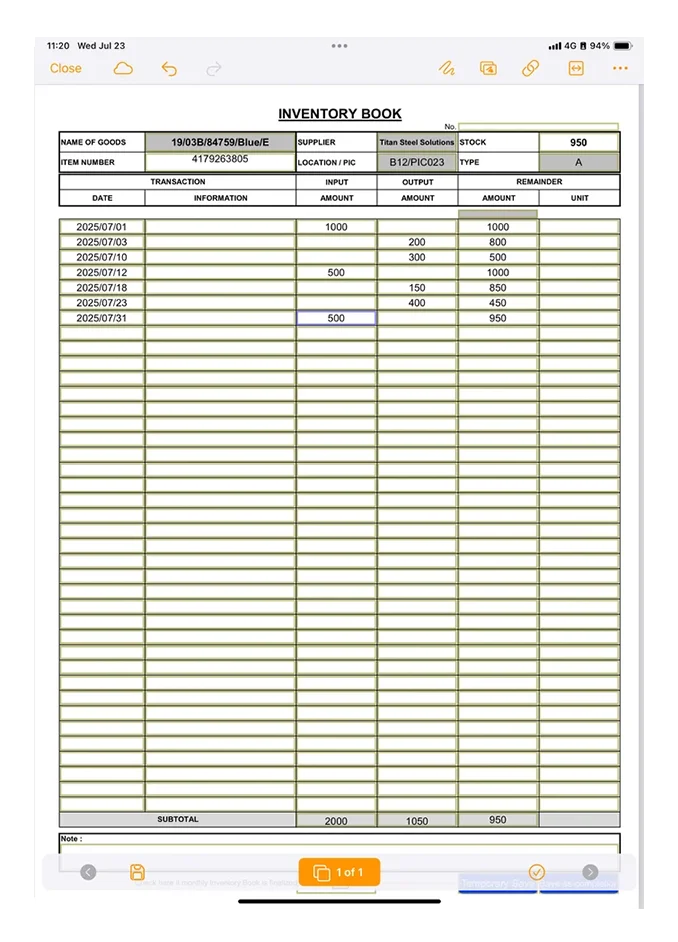
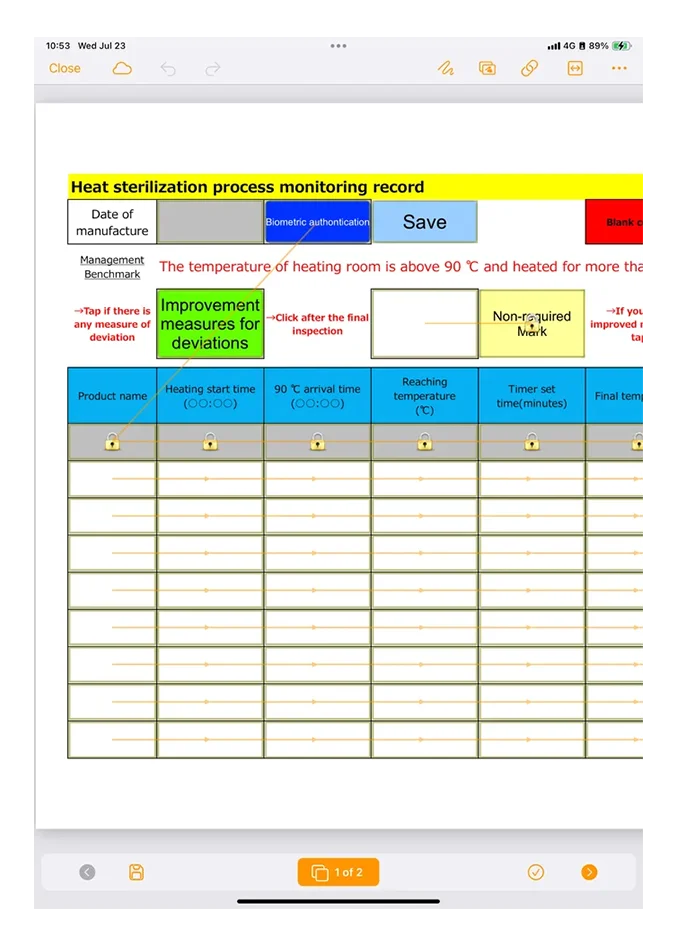
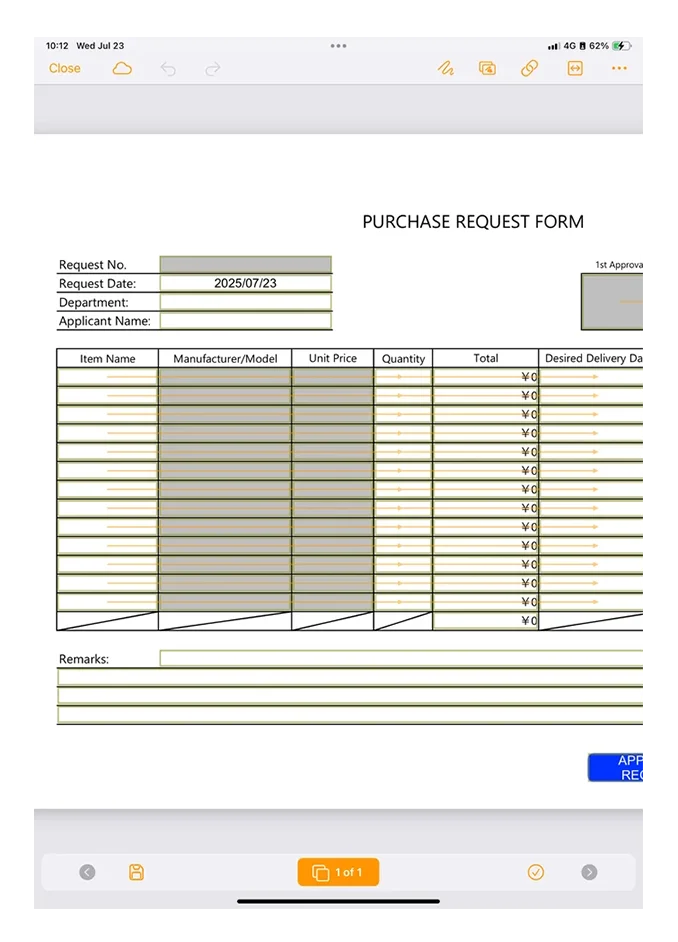
    Daily Report Inspection report Claim Countermeasure Daily Inspection Hygiene Management Purchase Order Field survey Photo Book Facility Inspection Inventory list Shipping Inspection Incoming inspection Test run Record Pre-work inspection

    Doc Stack 1
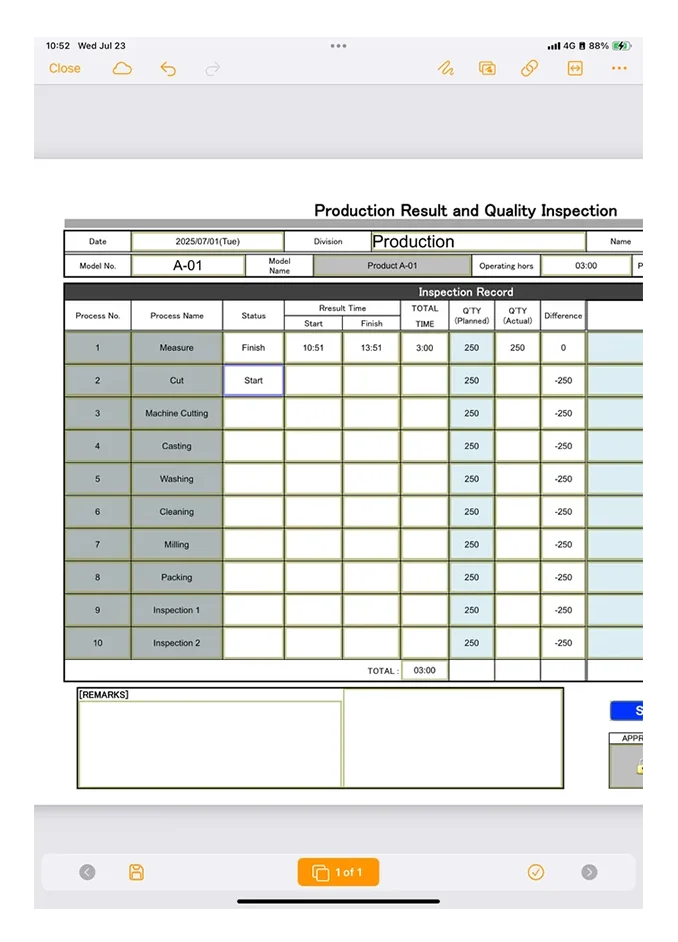
  • Work instructions Medical Questionnaire Sales Report Test Report Maintenance Voucher Safety Work Sheet Equipment Inspection Quality Control Table Measurement data input Materials Check List Work Request Form Defective Products Table Manufacturing Instructions Safety Management Daily Production Report

    Doc Stack 2
  • Quality Check Work Log Equipment Inspection Weights & Measures Inspection report Work Record Inspection Record Daily Inspection Report Man-hours management Work Record Quality Control Report Health Check Daily operation report In-process defects Product Inspection Sheet

    Doc Stack 3
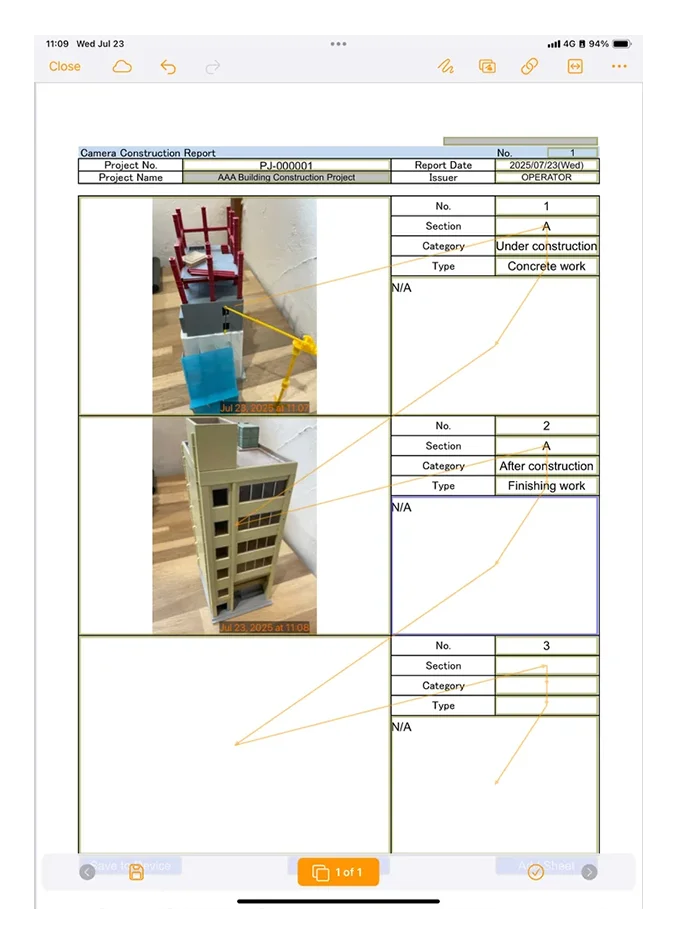
  • Bug Report Lot control sheet Stock entry details Maintenance slips Inventory Daily Report Daily attendance report Defective slip Production record slip Factory Patrol Form Work Check Sheet Actual Production Table End-of-day inspection Quality Record Security Inspection Construction documents

    Doc Stack 4
  • Inspection results Quotation Daily Work Report Product Outcome Product Management Process Management Inspection Management Equipment Management Overtime application Test Record Photo record Construction progress Checklist Quality control report Inspection Record Sheet

    Doc Stack 5
Arrow
Glow Shine
Form 1
Form 2
Form 3
Form 4
Form 5
Form 6
Form 7
Form 8
Form 9
Form 10
Form 11
Switch from Excel
Ready to use!

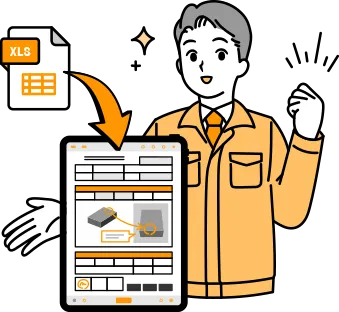
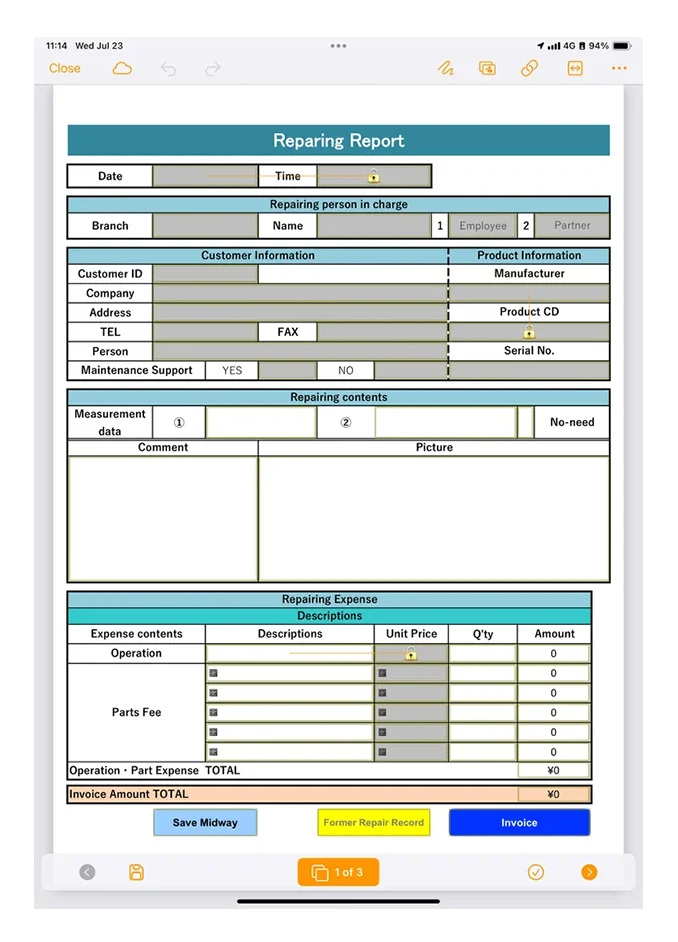
The layout of paper forms that you have been accustomed to using and that are packed with on-site know-how can be replaced directly with electronic forms.
Since the forms do not change, people on the front lines can intuitively understand it, making it easy to implement.

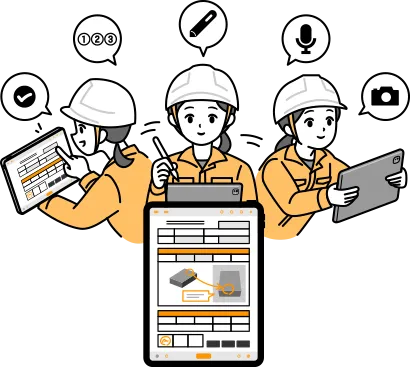
Easy and Error-Free Input for On-Site Workers!

The layout of paper forms that you have been accustomed to using and that are packed with on-site know-how can be replaced directly with electronic forms.
Since the forms do not change, people on the front lines can intuitively understand it, making it easy to implement.

Cut Report Creation Time and Effort — Drastically!

The layout of paper forms that you have been accustomed to using and that are packed with on-site know-how can be replaced directly with electronic forms.
Since the forms do not change, people on the front lines can intuitively understand it, making it easy to implement.

What’s the “Good points” of i-Reporter?

01 Accurately convey the situation on-site

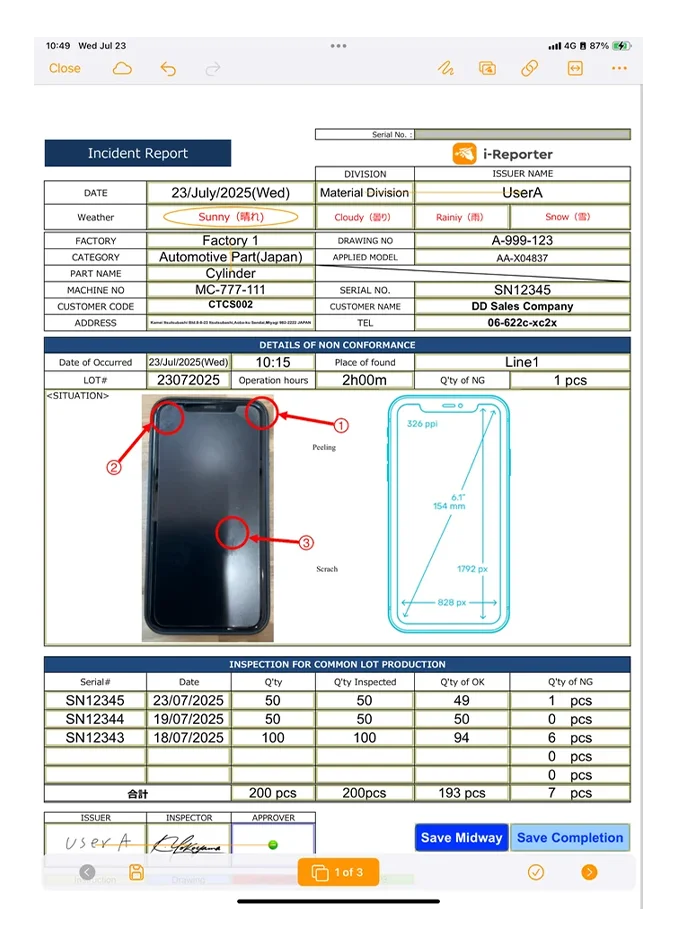
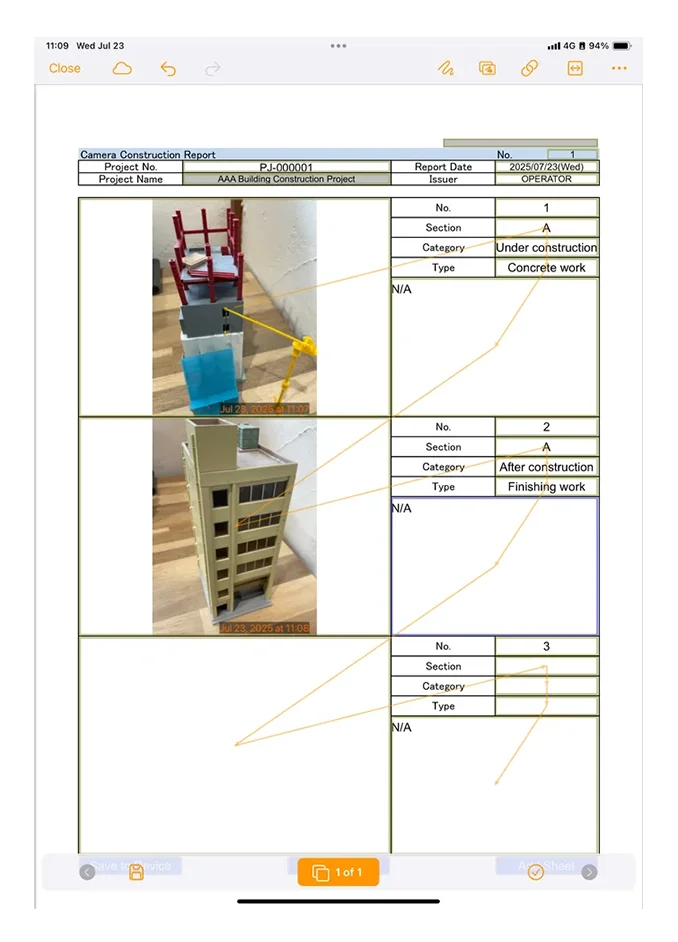
Various input support functions, such as taking photographs, recording audio, reading barcodes, linking to master data, judging thresholds, and specifying the order of work, allow you to collect information about the situation on site accurately and efficiently.

02 Real-time data sharing, Can be utilized

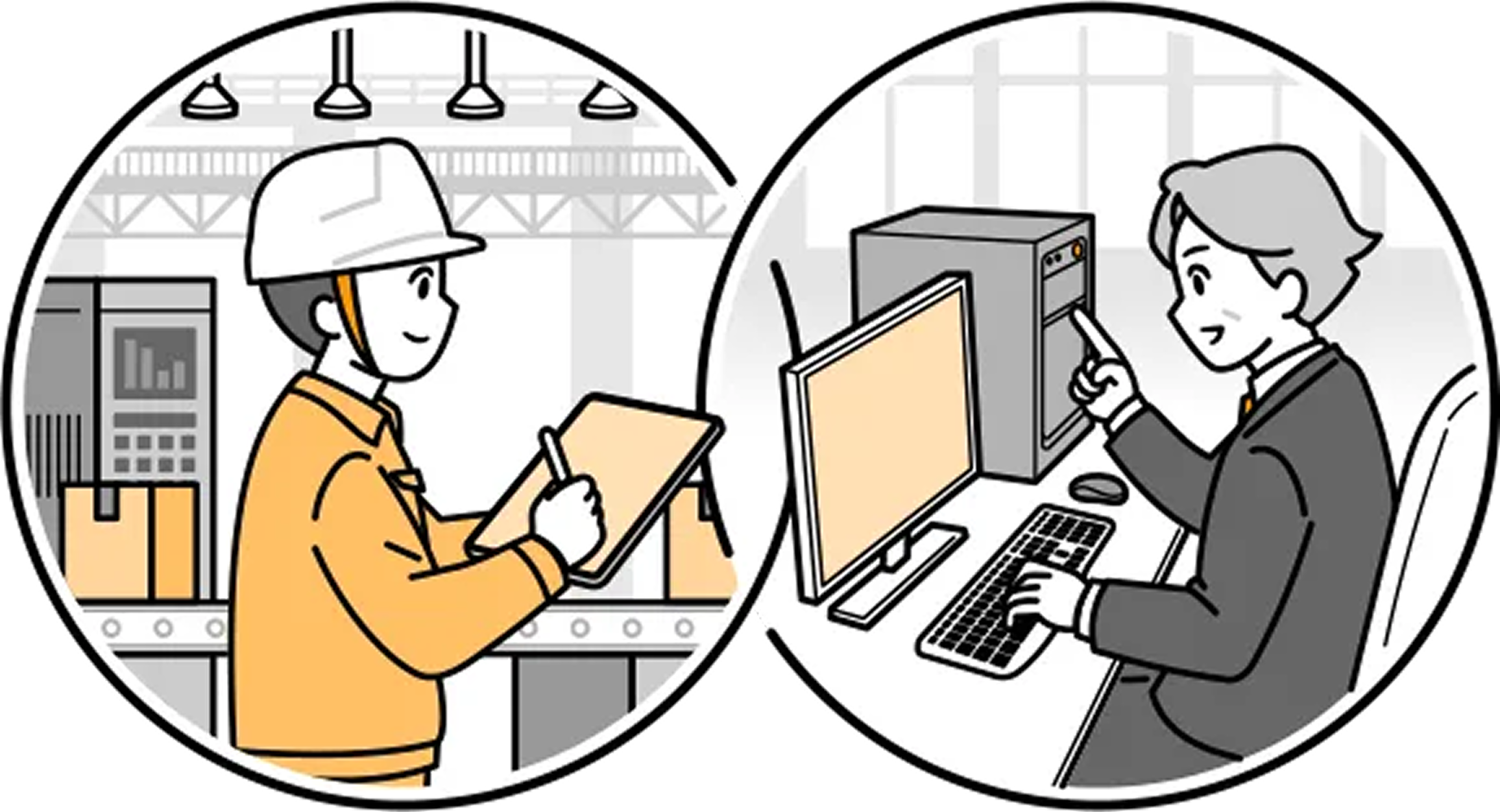
The report contents are instantly saved in a database, making it possible to share on-site conditions with other departments and locations in real time.

Depending on the content recorded by the worker, automatic notifications can be sent via email or approval workflow notifications, eliminating the need to travel between sites or make confirmation calls.

03 Collection, compilation, analysis, and other necessary information after reporting
Significantly reduce management burden

After recording, on-site reports can be output in a batch on a weekly or monthly basis, photo data that is difficult to organize can be automatically renamed, and report data can be automatically sorted, significantly reducing the amount of post-processing work required after filling out reports.
By linking with external systems, tasks such as data registration and graph creation are no longer necessary.

04 An active user community for sharing 
on-site problem-solving and know-how.

“Genba Chōhyō Kaizenbu,” enables users across Japan to share on‑site improvement knowledge and get advice, accelerating field DX.

Integration with other systems

Easily Connect with ERP, BI, and More

Creating reports
with inserted data

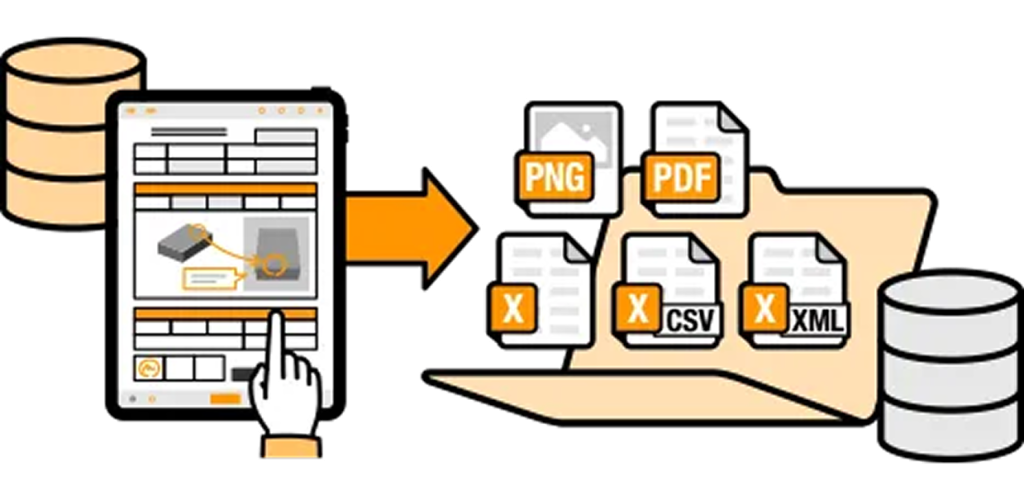
You can pre-issue forms using data from other systems, and automatically record data from other systems while filling out forms.

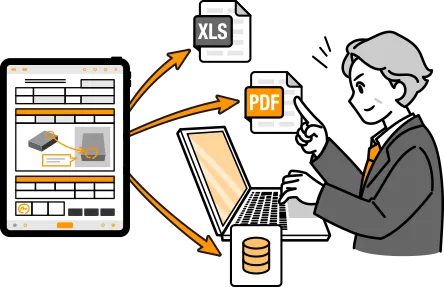
Automatic data output 
from completed reports

As soon as recording is complete, the data in the report can be automatically output in file formats such as CSV, Excel, and PDF.

Web API Integration

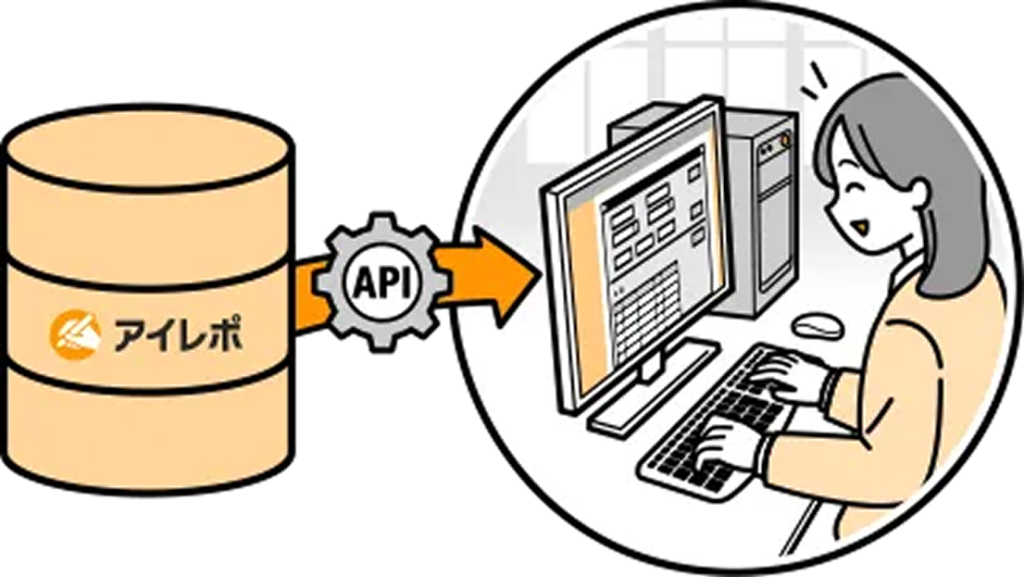
By using i-Reporter’s API, you can retrieve and utilize information accumulated in the i-Reporter database from other systems.

ConMas Gateway

Data from various databases and other systems can be retrieved in real time into i-Reporter reports.

ConMas IoT

Data from IoT devices such as PLC
You can get the data in real time to i-Reporter reports.

i-Repo Link

Anyone can easily implement integration by simply mapping the integration items between i-Reporter and other systems on a browser.

Say Goodbye to Manual Work After Form Input!

General machinery:

20-50 people

  • ISO9000-related Excel reports can be transferred directly to i-Reporter, making it easy to go paperless.
  • Because it was in the same Excel format as before, it was quickly accepted on-site.
  • Review and approval workflow settings can be set up as standard functionality.
  • Easily set up email notifications for reviews, approval requests, etc.
  • If you convert measurement data from another measuring device into a QR code in Excel, you can simply read it into i-Reporter and the measurement values will be entered, eliminating the need for transcription.
  • The time required to input various reports has been reduced. Data can also be shared.
Automobiles and transport equipment:

100-300 people

  • By switching from inputting data on paper to using i-Reporter, it became possible to utilize the data, reducing the effort required for searching and increasing the scope of data utilization.
  • The task of transcribing data from paper has been reduced, and secondary use of the data has become possible.
  • In addition, by using it for lot management, it became possible to manage the progress of the lot, eliminating the trouble of having to search for the actual item.
  • Name of digitized field report
Construction, Minerals, Metals:

Over 1000 people

  • Report design can be freely configured.
  • An app is available and security measures are easy to implement as it does not require the use of a browser.
  • Even though the factory does not have a network, by installing an app on a SIM-free tablet, it is now possible to exchange electronic data entered on-site with electronic information on a PC on the in-house network.
  • We believe that it will prove beneficial as a key tool in the movement towards achieving a paperless society.
  • •Paperless/printing hassle/on-site distribution hassle, etc.
  • Name of digitized field report
  • Pre-work checklist

Over4,500 companies have adopted it!
Japane’s No.1 share for onsite paperless apps

Related Article

[Webinar] Simulation-Driven Electronics Reliability with Simcenter
READ FULL
From CAD User to Digital Engineer with AI
READ FULL
NX X: A New Era of Product Design with AI and VR
READ FULL

เราใช้คุกกี้เพื่อพัฒนาประสิทธิภาพ และประสบการณ์ที่ดีในการใช้เว็บไซต์ของคุณ คุณสามารถศึกษารายละเอียดได้ที่ นโยบายความเป็นส่วนตัว และสามารถจัดการความเป็นส่วนตัวเองได้ของคุณได้เองโดยคลิกที่ ตั้งค่า

Privacy Preferences

คุณสามารถเลือกการตั้งค่าคุกกี้โดยเปิด/ปิด คุกกี้ในแต่ละประเภทได้ตามความต้องการ ยกเว้น คุกกี้ที่จำเป็น

Allow All
Manage Consent Preferences
  • Always Active

Save

MEET THE EXPERT

Contact our experts for more information about our solutions.

Thank you for your interest in this webinar.

Your request has been submitted successfully and is being reviewed by our team.

Access details will be sent to your registered email address upon approval.
Please check your Inbox and Junk/Spam folder for our email.